Start with your photo
Sign in with Google and upload a clear, front-facing photo.
Use our AI hairstyle changer to try new looks on your own photo before making the cut. Compare styles and find a look that feels like you.
Start free with 2 credits · No app needed.
Sign in with Google to get 2 free starter credits. Each standard hairstyle preview uses 1 credit. Read the full guide.
Sign in with Google and upload a clear, front-facing photo.
Choose a hairstyle from the women’s or men’s library and add an optional hair color.
Generate and compare looks on the same photo. Download a favorite to discuss with your stylist.
Explore our AI hairstyle library for women and men, from short cuts and bangs to curls, braids, updos, and textured looks. You can pick a look here before signing in to Studio.
Compare a few different outlines: a chin-length bob, a close-cut pixie, or long layers. For a smaller change, start with bangs while keeping a similar length.


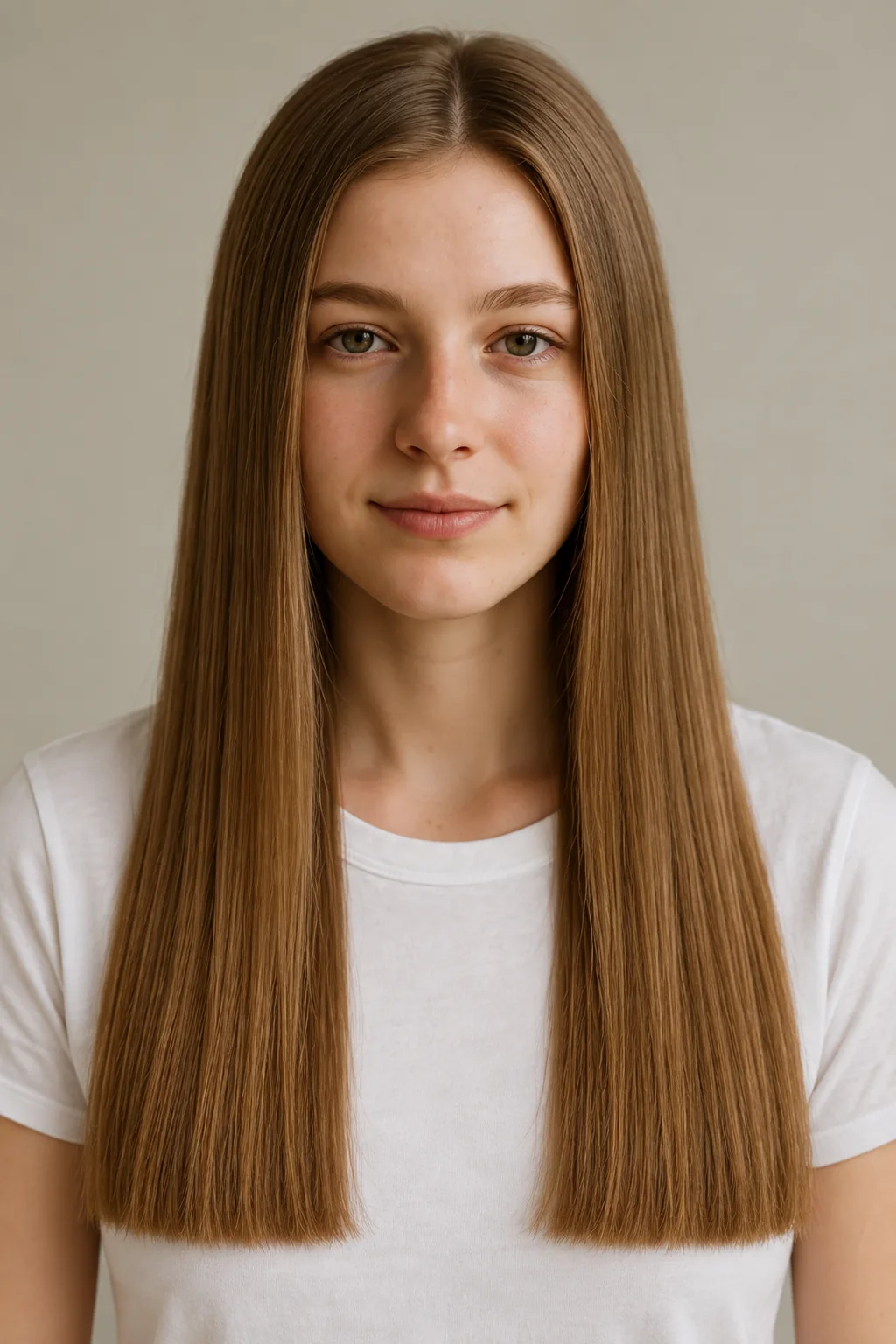
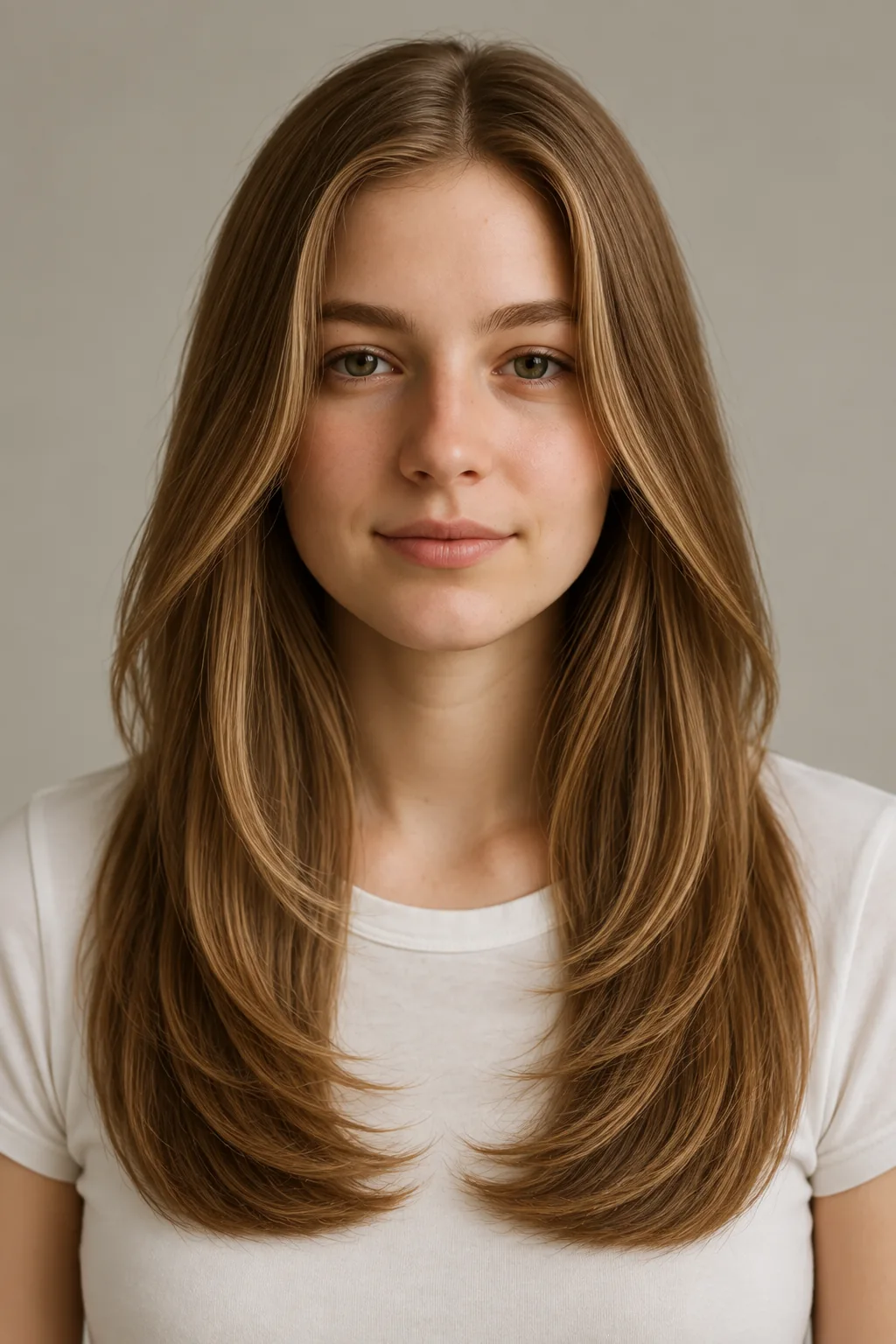


Showing 12 women’s style references.
Choose a cut with our AI hairstyle changer and add an optional hair color in Studio. Explore natural shades or a bolder change, from honey blonde and auburn to silver gray and rose pink.
Compare the cut first, then explore color on the same photo. Lighting, screens, and real dye results can differ. .
See what the AI hairstyle changer can preview: bangs, shorter length, curls, a buzz cut, or a shaved-head look.
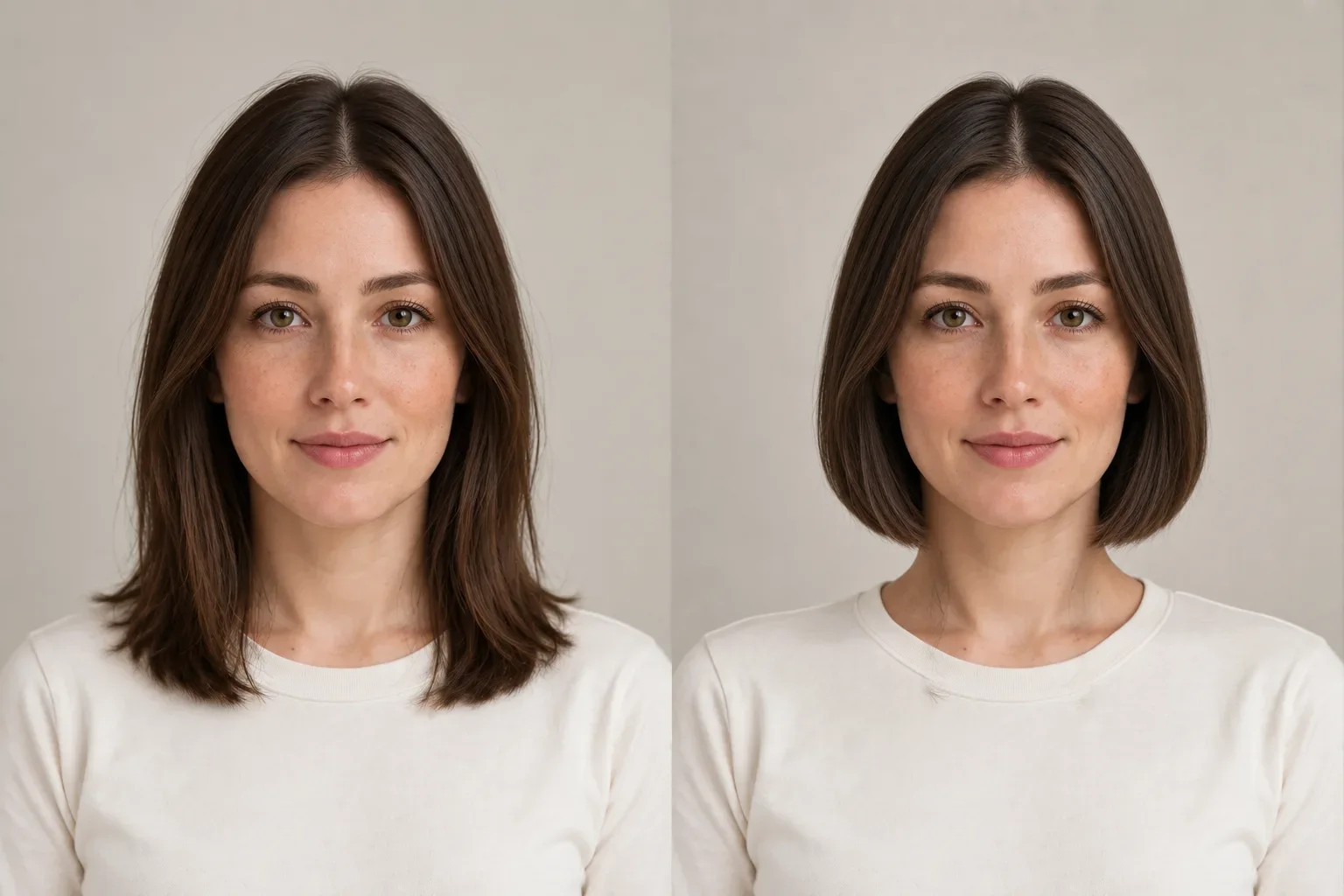
This AI hairstyle preview was generated in Style Look Lab Studio: we uploaded our sample portrait, chose Blunt Bob from the women’s library, and generated a preview without selecting a hair color.
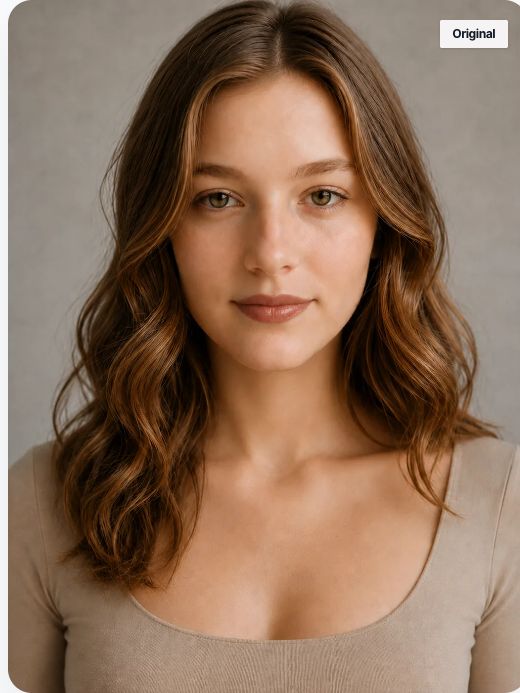
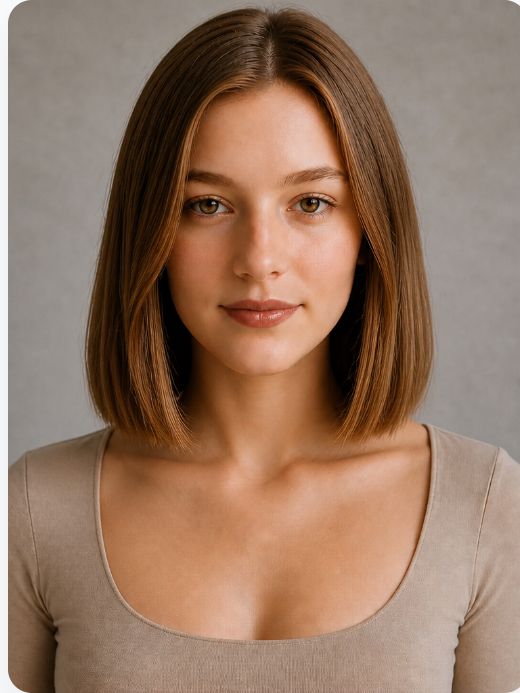
The preview shows a shorter, straighter outline with fuller ends near the neck. Facial details and framing also differ, so use it to compare a hair direction rather than predict an exact haircut.
Compare the visible end point: near the shoulders in one image and around the chin in the other. Notice how the shorter outline exposes more of the neck. Compare where bobs, lobs, pixies, and layered cuts end around the head.
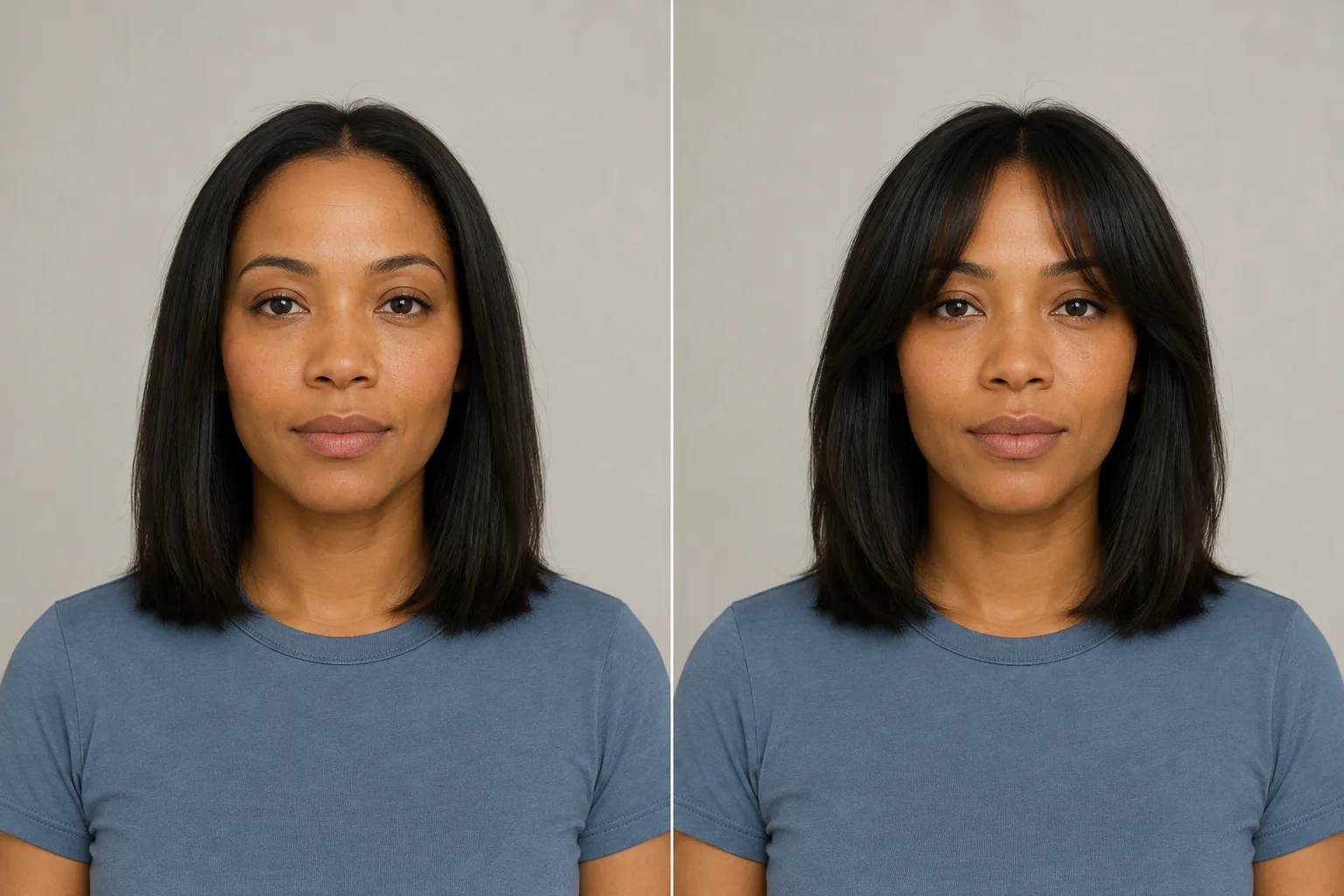
Compare the forehead opening and the hair falling around the eyes. The fringe is the main visible change in this pair. Compare forehead coverage, fringe direction, and the opening at the center.
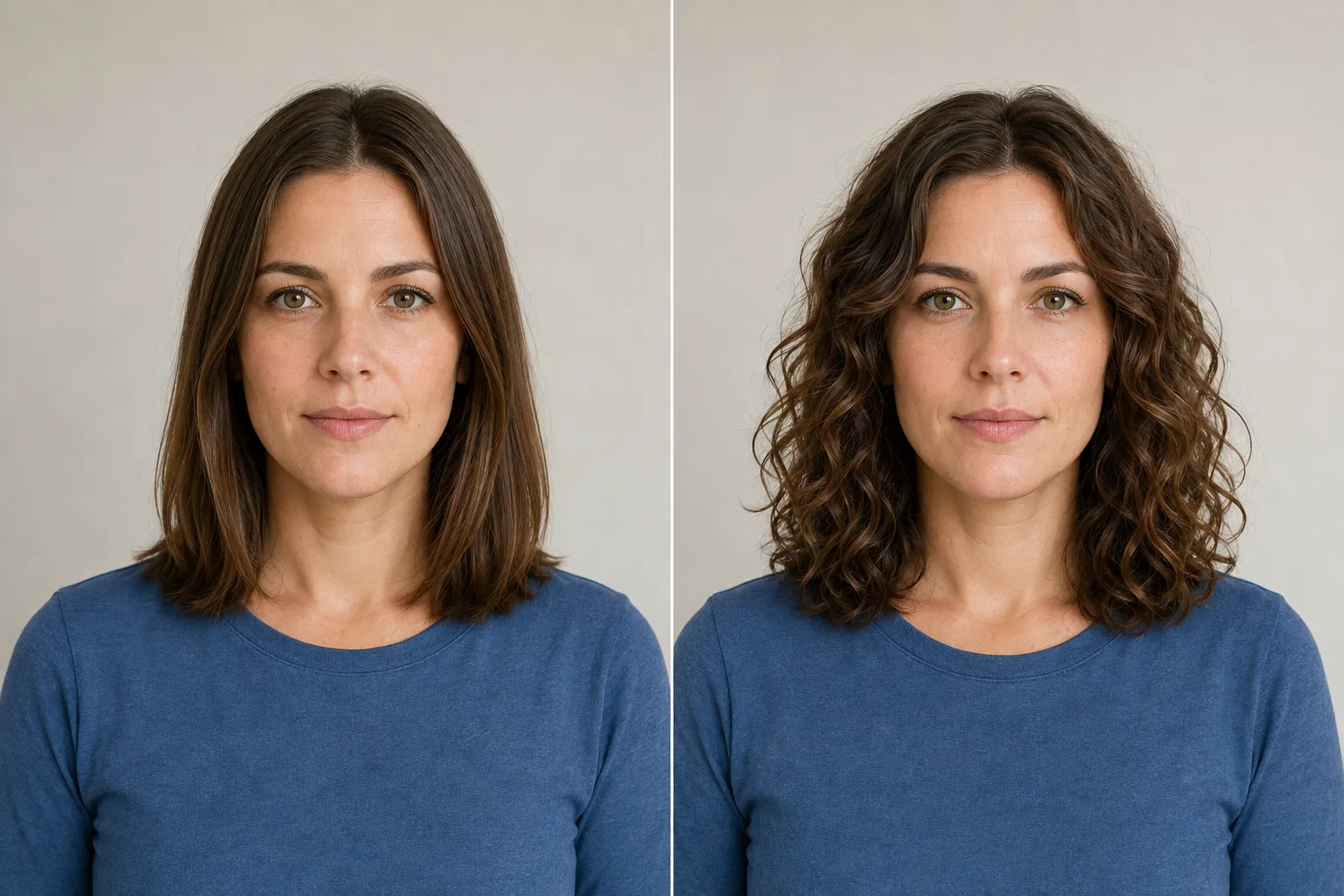
Compare curl definition, overall width, and apparent length separately. The image shows a curl direction; it does not predict a real perm result. Compare curl shape, volume placement, and apparent length as separate changes.
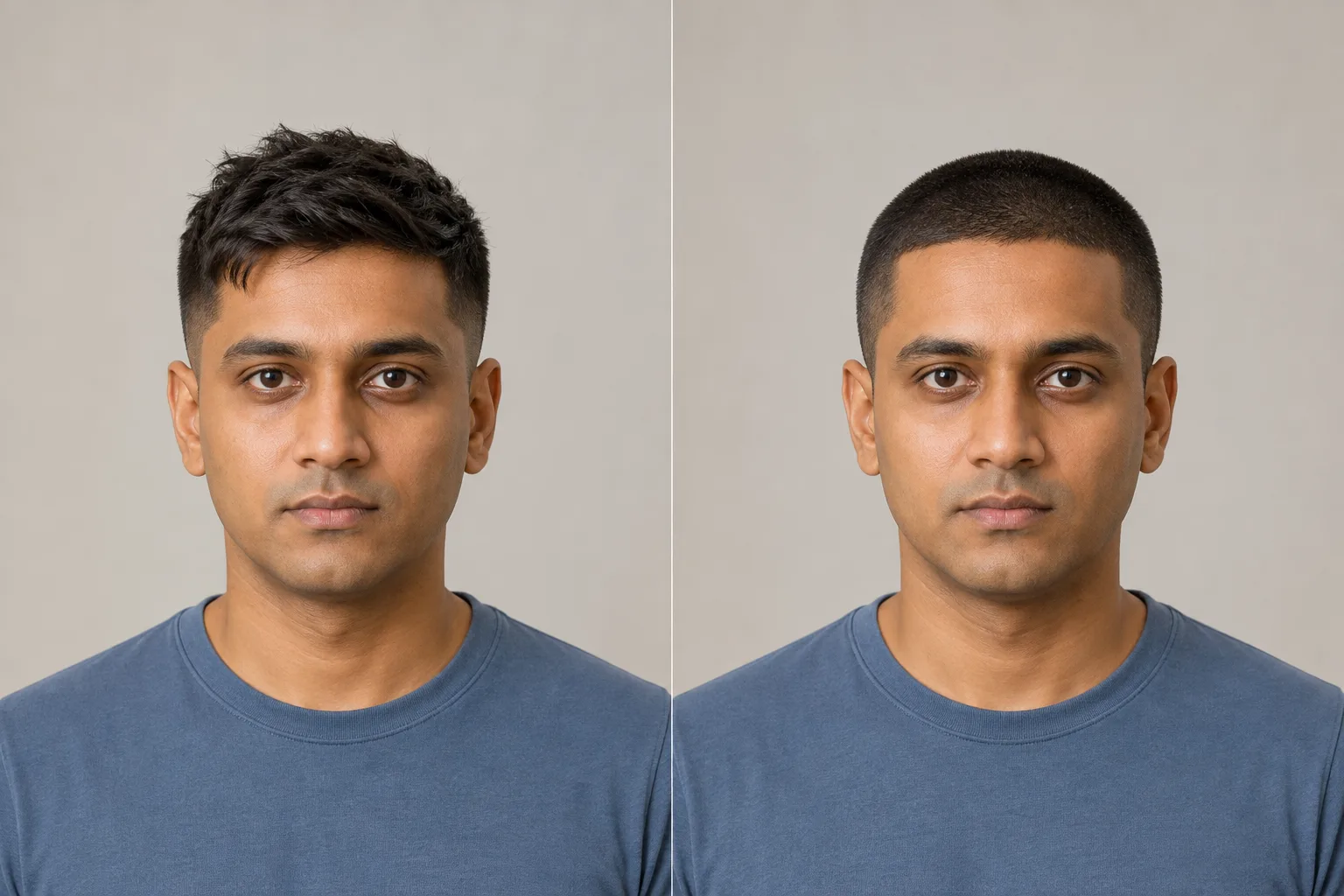
The shorter style leaves more of the forehead and sides visible. Use the outline as a conversation reference, not as a clipper number. Compare short hair layers, top-and-side balance, and forehead exposure.
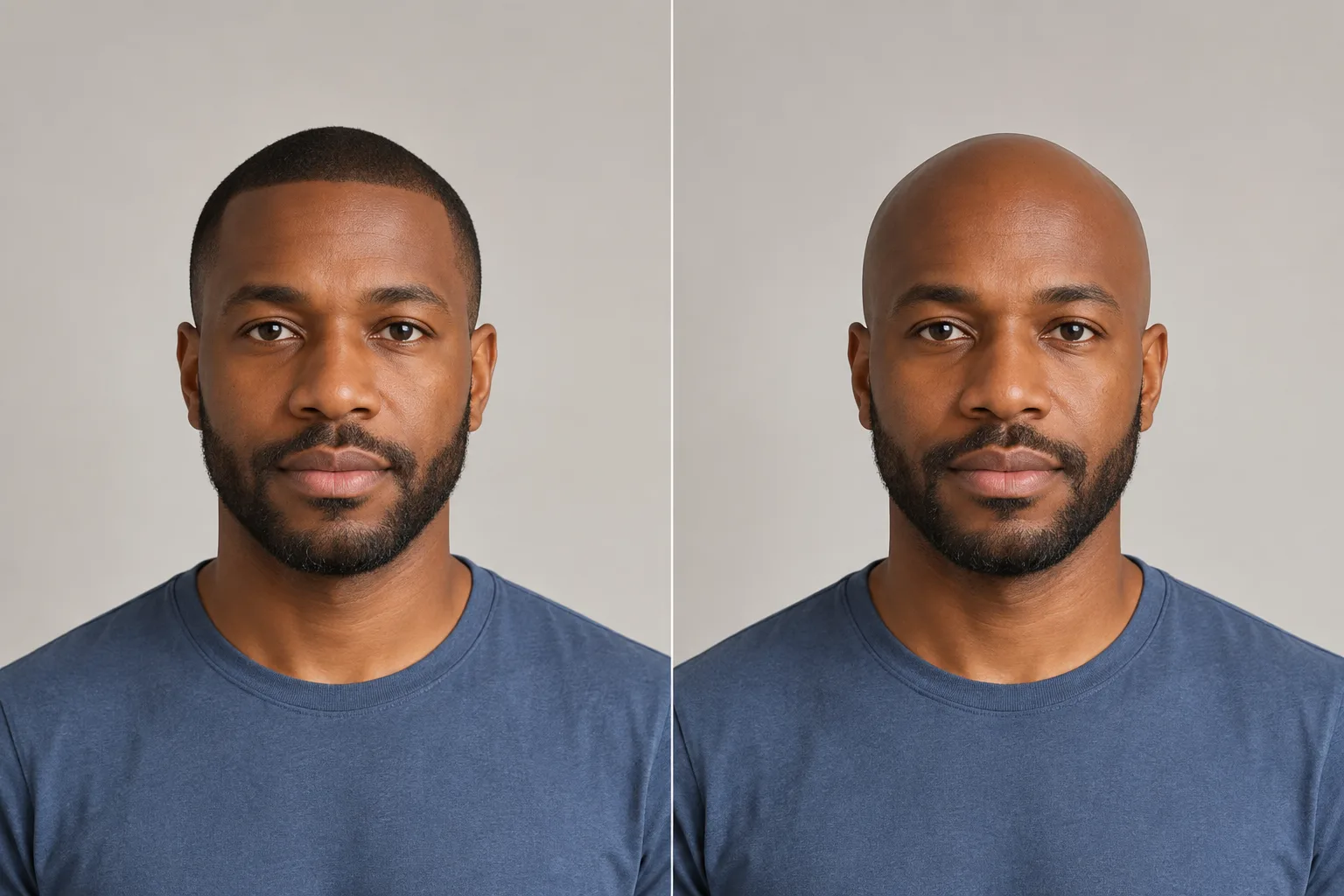
Compare a short hair layer with a shaved-head look. The preview cannot reconstruct head shape, scalp detail, or anything hidden by the original hair. Compare a shaved-head look with nearby short-hair references and their limits.
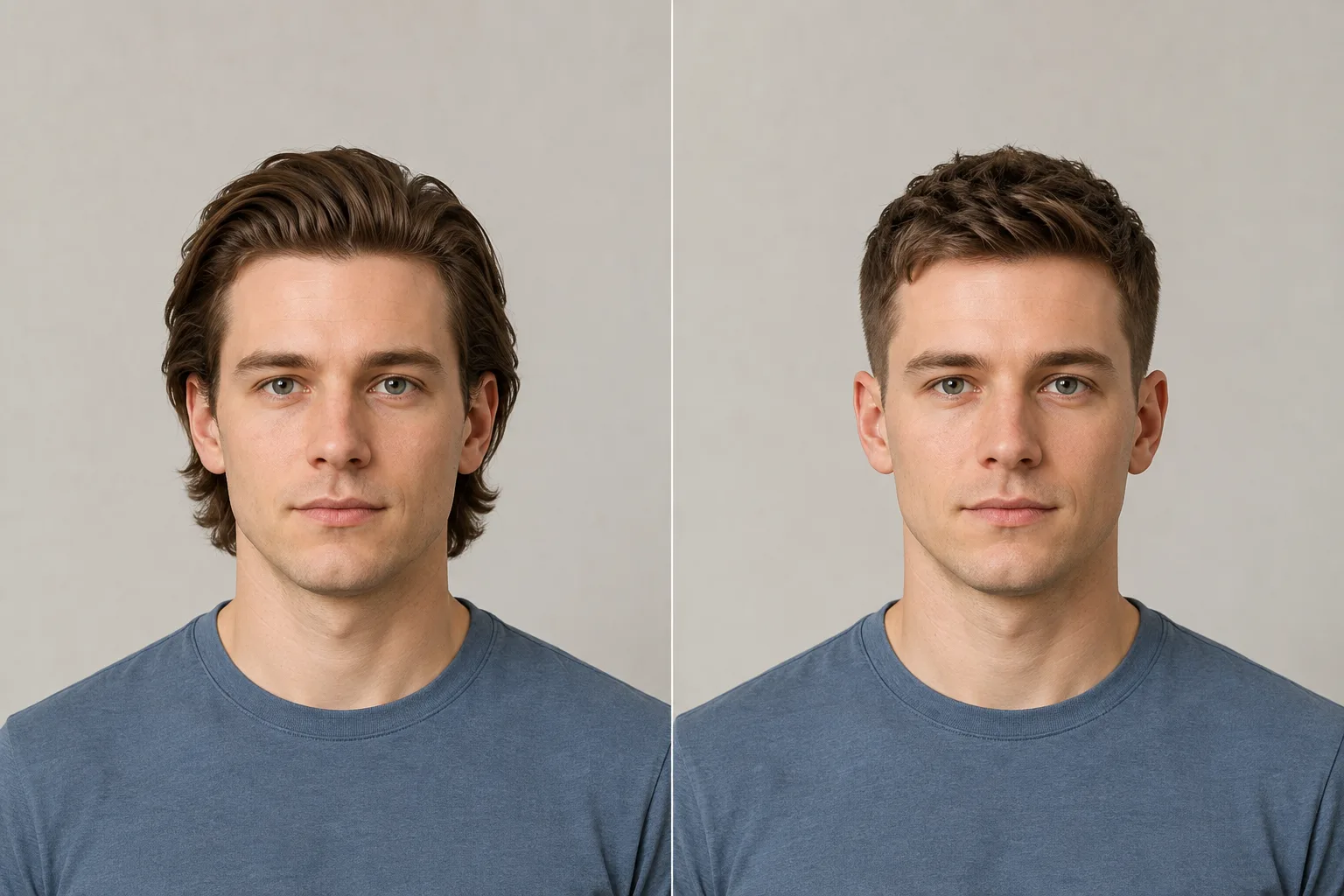
Compare a swept-back medium length with a short textured crop. Look at the ears, forehead, and top outline before thinking about daily styling.
Make your AI hairstyle preview easier to judge: start with a clear photo, then look carefully at what changed. Processing time and output vary.
Use a sharp, front-facing portrait with even light. Leave your face, hairline, ears, and space around your head visible. Remove hats, sunglasses, and heavy filters; avoid shadows or hair covering the hairline. Upload a JPG, PNG, or WebP up to 10 MB.
Compare the original and preview at a similar size. Check your facial details, hairline, and expression before judging the hairstyle. If these changed noticeably, set the result aside: those changes are not the hairstyle effect. Read the troubleshooting guide
Keep the same source photo, lighting, and camera angle. Compare length, fringe coverage, and the outline at the sides one at a time. Decide which shape you prefer before exploring color or texture, so different changes do not blur together.
A curl, braid, loc, twist, or smooth finish shows a visual direction, not how your own hair will behave. Separate the shape from the finish. Your texture, density, shrinkage, growth pattern, hair condition, and routine affect a real cut or styling service; ask a stylist what your hair can support.
Save a preview and describe the specific detail you want to keep, such as chin-length ends, a softer fringe, or a particular silhouette. Use it as a reference for that detail rather than asking for an exact copy.
Show your preview and explain what you want to keep. Ask what must change to reach the look. A stylist can assess your starting hair and explain the cut, styling, and maintenance choices behind the reference.
A little guidance for the change you’re considering. Not sure where to start? Explore your face shape, then compare a few hairstyles on your photo. Use face shape alongside your texture, density, and daily routine when choosing what to try.
Upload one clear photo, compare one change at a time, and handle an unhelpful result.
Separate liking a shorter outline from the daily routine it would require.
Think through parting, growth direction, movement, and the upkeep before cutting.
Clarify what stays visible with a buzz cut and what changes with a shaved-head look.
Turn curl shape, volume, and length preferences into questions for a stylist.
You need an account to open the Studio. New accounts receive 2 starter credits, and each standard hairstyle transformation uses 1 credit. Other actions can have different credit costs, so check the displayed cost before generating. Additional credits are available on the pricing page. View pricing and credits
No app install is required. The hairstyle changer runs in the web Studio, but an account is required to open the Studio and generate a preview.
Photo handling follows the Privacy Policy. Review it for current processing, retention, and deletion details before uploading, and only upload images you have permission to use. Read the Privacy Policy
Yes. Sign in with Google, upload a clear portrait, and use the AI hairstyle changer to preview your selected look. Use the same source photo when comparing looks so lighting and camera angle stay comparable. Read the step-by-step Studio guide
Use a clear, front-facing photo with even lighting, your full face and hairline visible, and enough space around the head. Avoid hats, sunglasses, heavy filters, strong shadows, or a crop that cuts off the hair. JPG, PNG, and WebP are supported up to 10MB.
It generates a visual approximation of a hairstyle you select from the current library on an uploaded photo. It helps you compare a direction, but it does not measure a haircut or guarantee how a real cut, color, or style will turn out.
Compare your face, hairline and expression with the original. If they change noticeably, set that preview aside. Read the troubleshooting guide
No. The Studio does not classify your face shape or generate an automatic best-style recommendation. Try several styles yourself and judge them alongside your hair texture, density, hairline, maintenance, and stylist advice.
The library includes short, medium, and long cuts, bangs, curls, braids, updos, and men’s styles. Use the focused pages to compare a change, then choose a style in Studio.
Yes. The library has separate women’s and men’s browsing tabs. Choose a hairstyle you want to explore; the tool does not automatically decide which style fits your photo.
The library includes straight, wavy, curly, coily, braided, twisted, loc, and protective-style references. Results can vary across textures and photos; the preview does not measure density, shrinkage, damage, or how your own hair will behave.
Yes. The Studio includes hair-color transformations. Compare the haircut or silhouette first, then explore color separately because lighting, screens, source photos, and real dye results can differ.
Yes. You can download a generated preview and use it as a visual conversation starter with a barber or stylist. Discuss what is feasible for your real texture, density, length, condition, and routine instead of treating the image as an exact specification.
Try the AI hairstyle changer on your own photo. Start with a change you have in mind—shorter length, bangs, curls, a buzz cut, or a shaved-head look—and compare your selected style.
Upload one selfie and our free AI age calculator estimates your apparent age, with the likely range around it.