AI hairstyle changer.
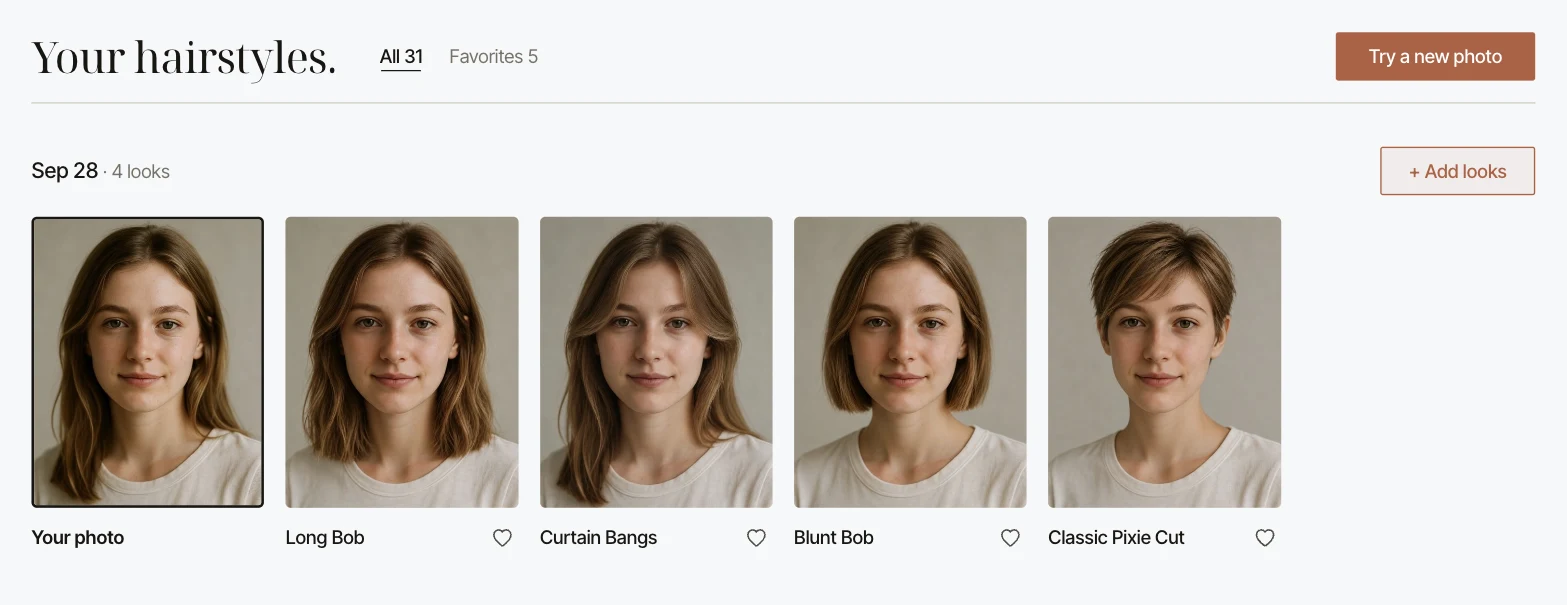
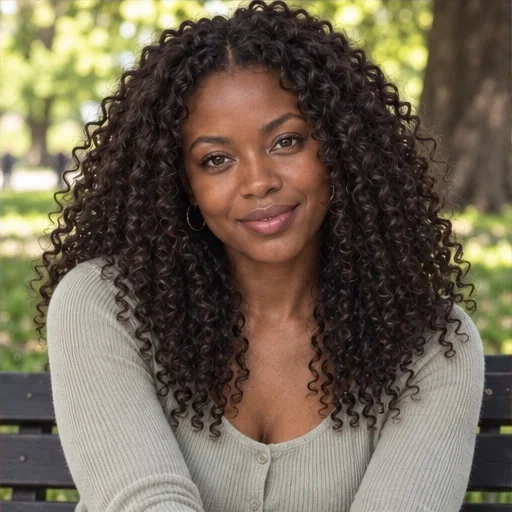
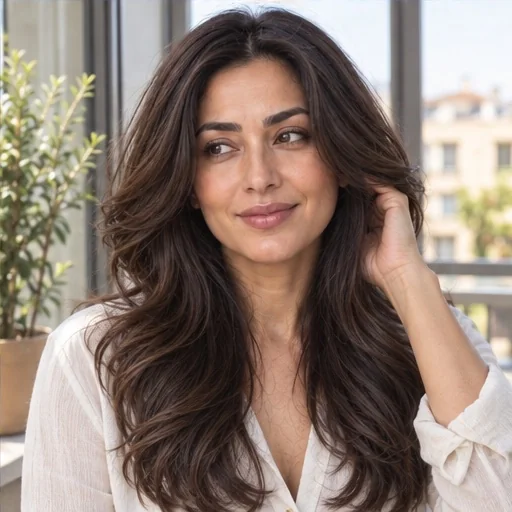
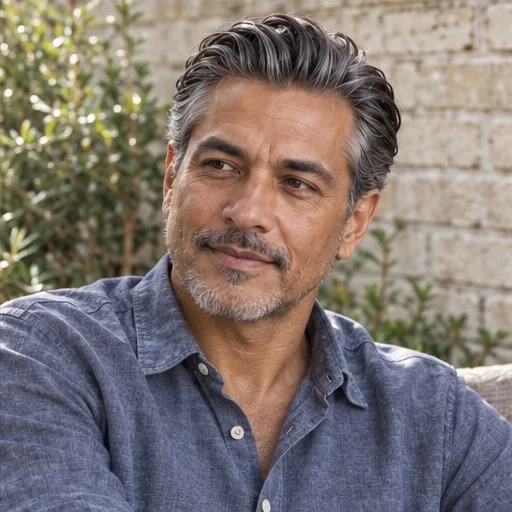
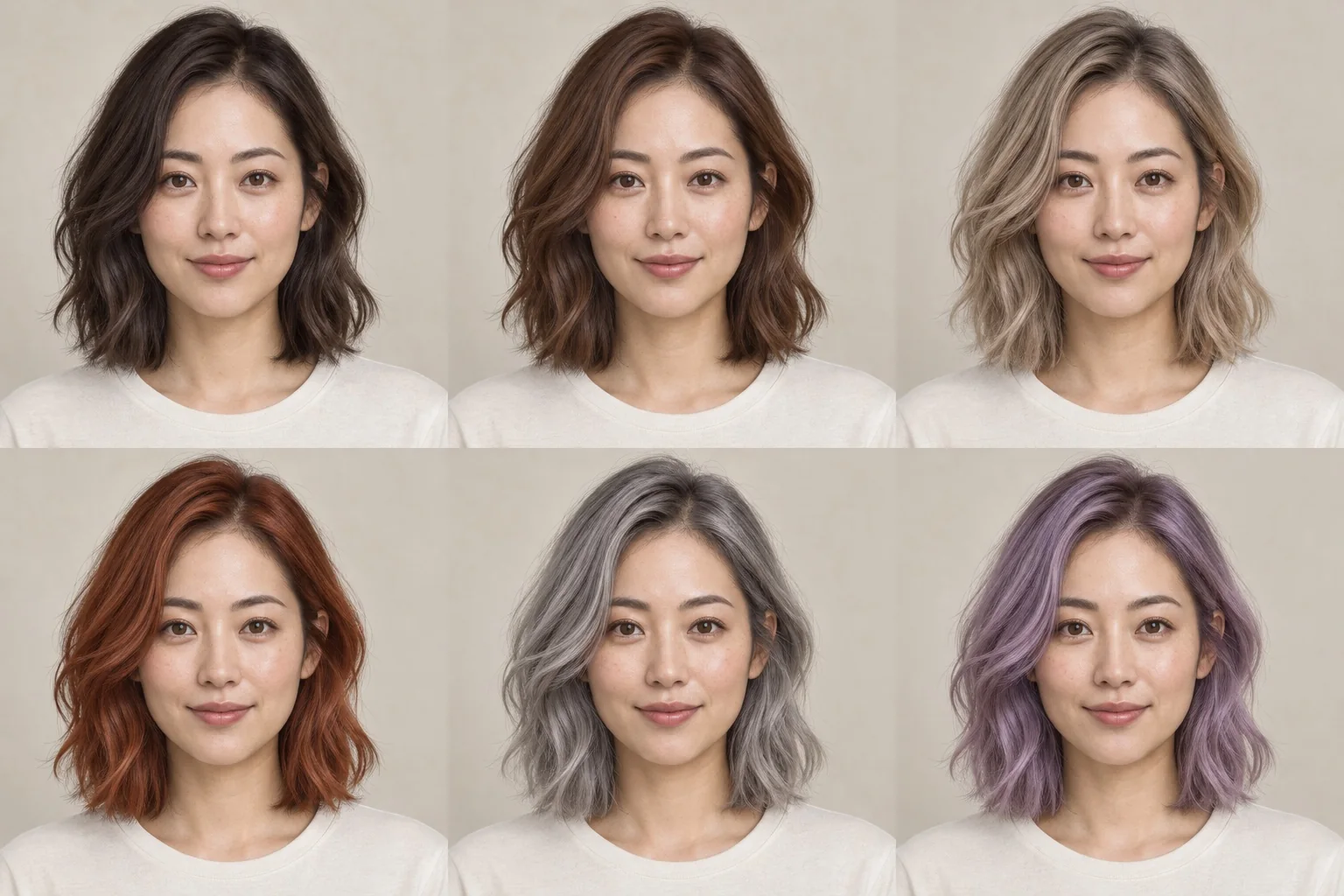
Style Look Lab’s hairstyle AI previews women’s and men’s haircuts, bangs, curls and hair colors on your own photo. Pick your looks, add one photo, and compare the results side by side.
AI hairstyle before
& after.
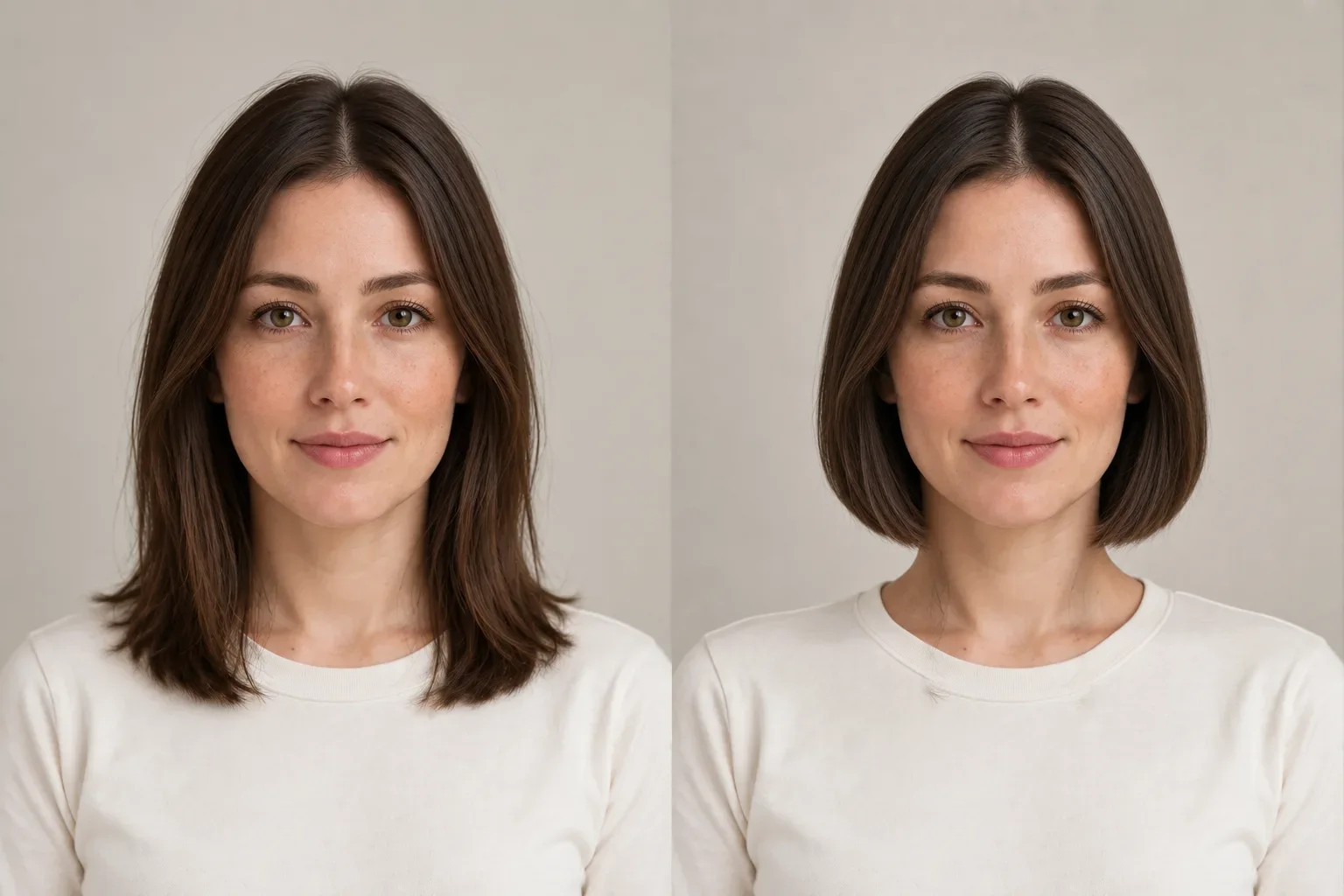
Six AI hairstyle changer comparisons, each on the same face. Choose a change, drag the line, and read what to look for in the preview before you book.
An AI hairstyle preview can shift small facial details. Check the face first, then judge the hair.
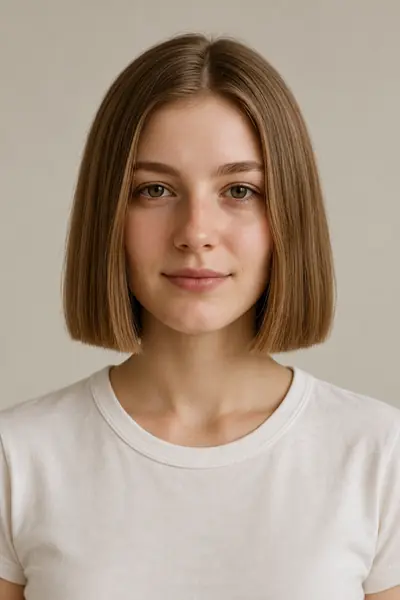
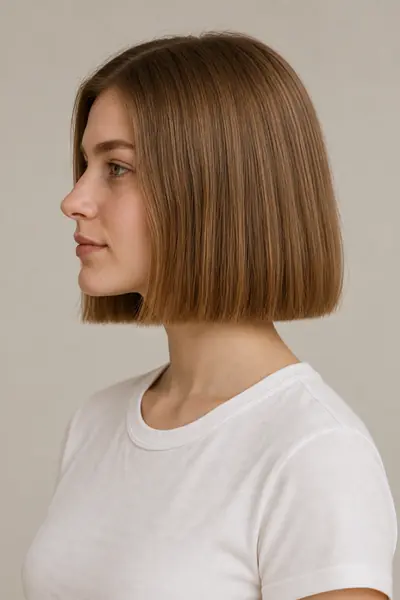
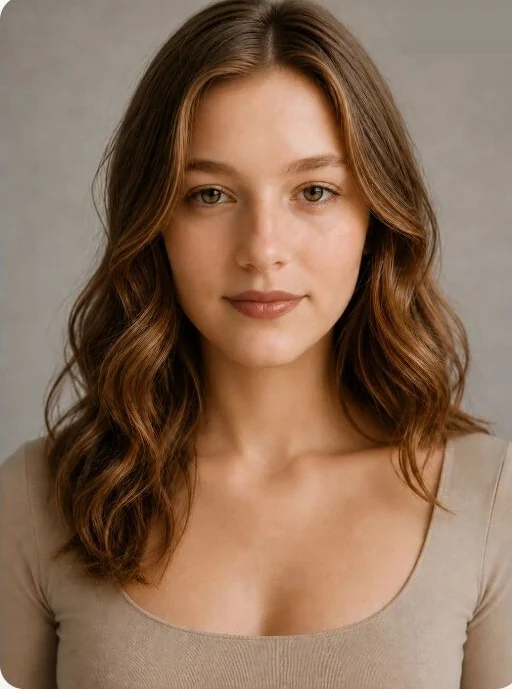
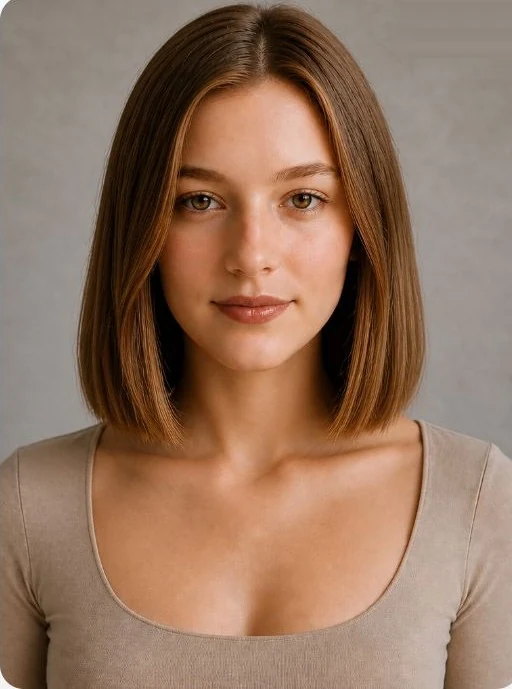
Shoulder-length waves to a blunt bob
- What changed
- The ends move up from below the shoulders to just above the neck, and the soft waves give way to a straighter, heavier line. This AI hairstyle preview was generated from our sample portrait by choosing Blunt Bob from the hairstyle list with no color selected.
- Look at
- Where the ends stop against your jaw and neck, how much of the neck is now visible, and how close the sides sit to your cheeks. A blunt bob reads very differently tucked behind the ears and worn loose, so picture both.
- Good to know
- A single blunt line shows growth sooner than a layered cut, so it needs more regular trims to stay crisp. On wavy hair, a sleek finish like this usually takes a quick blow-dry.
- Ask your stylist
- Would a slightly longer lob still let me tie my hair back? Will my natural wave lift the ends once the weight is gone?
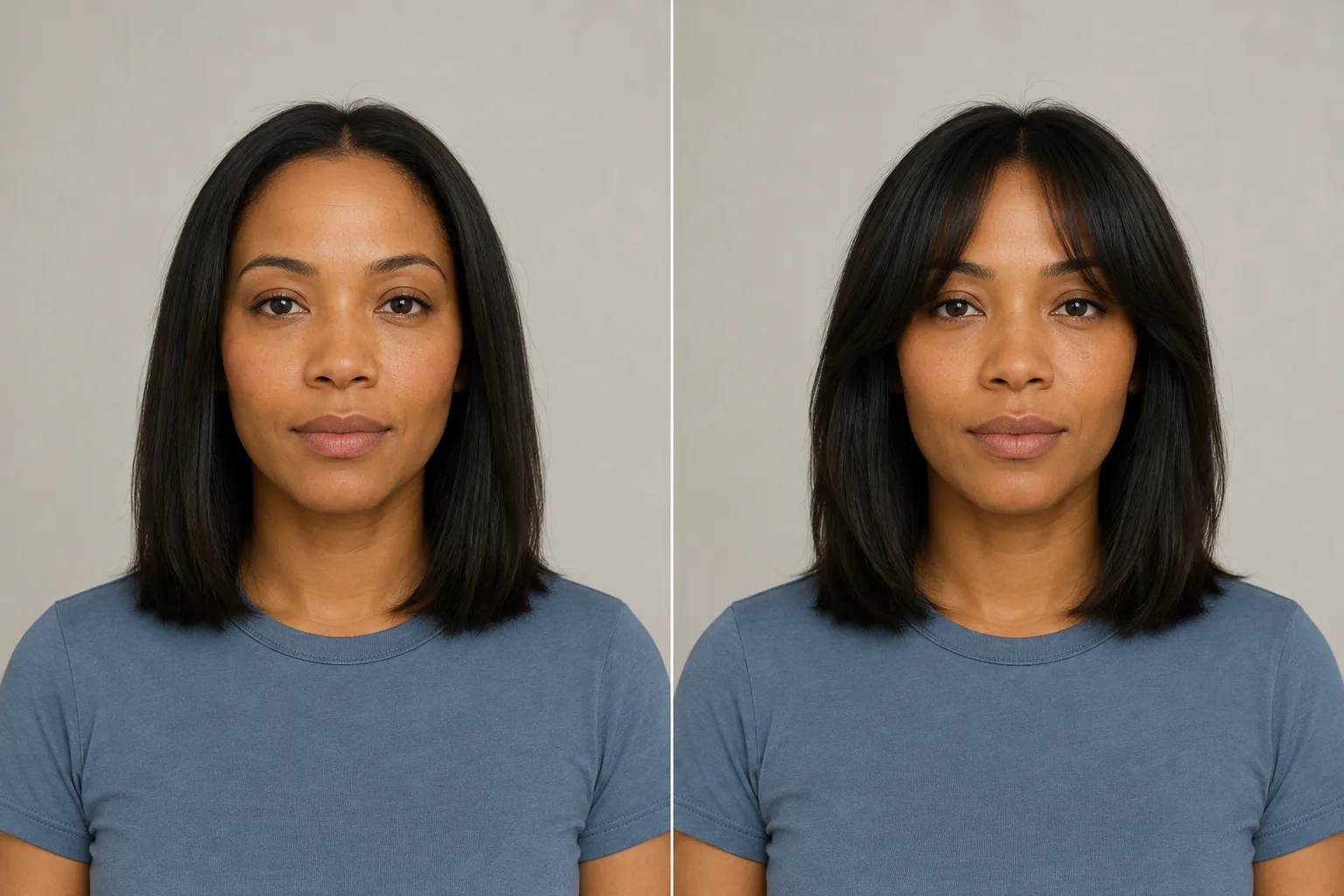
An AI hairstyle preview can shift small facial details. Check the face first, then judge the hair.
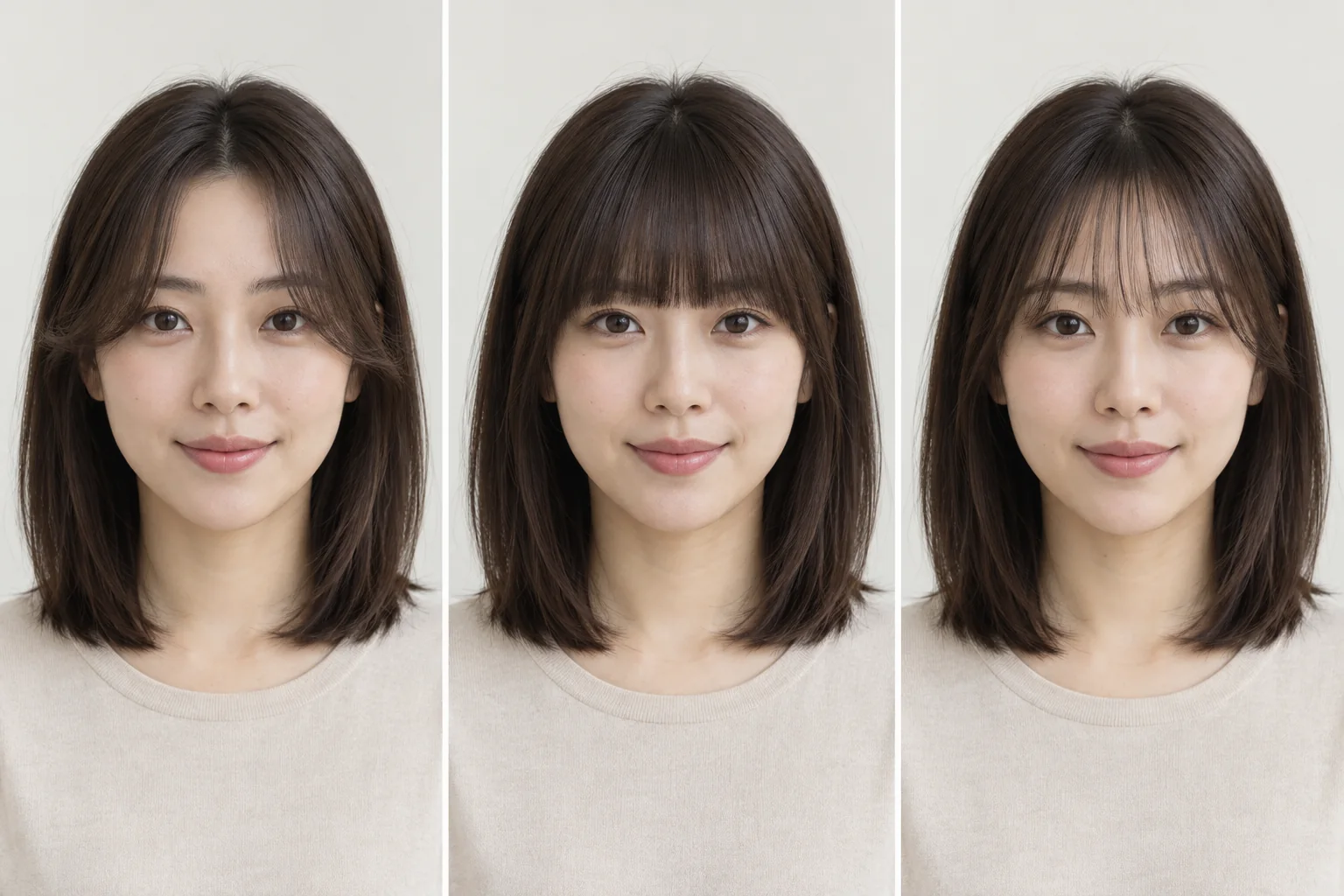
An open forehead to curtain bangs
- What changed
- A soft fringe now parts at the center and sweeps toward the cheekbones. The length and the rest of the outline stay the same, which makes bangs one of the smallest changes you can test with hairstyle AI, and one of the most visible.
- Look at
- The opening in the middle, how much of your brows the fringe covers, and where it blends into the side pieces. Notice whether the fringe frames your eyes or competes with them.
- Good to know
- Curtain bangs grow out more gently than blunt bangs because they blend into the sides, but they still need regular trims and a minute of styling most mornings.
- Ask your stylist
- How short can the fringe start without needing daily styling? How will my part and any cowlick change the way it falls?
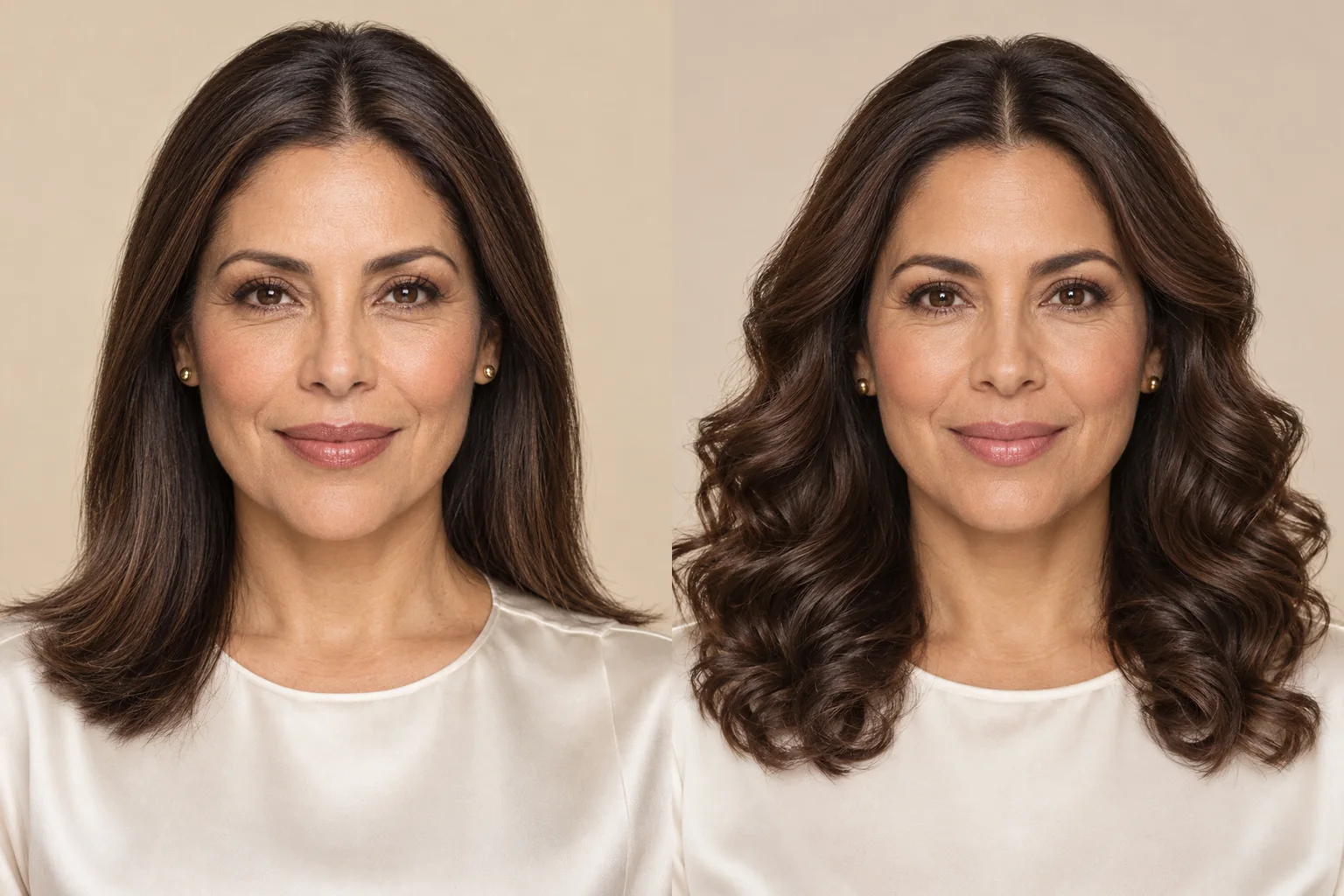
An AI hairstyle preview can shift small facial details. Check the face first, then judge the hair.
Straight hair to loose curls
- What changed
- Straight lengths become loose, open curls. The outline gets wider beside the cheeks and the ends seem to sit higher, because curls take up length as they bend.
- Look at
- Curl size, how much width sits beside your face, and where the ends now land. Judge them as three separate changes: you might love the width and still prefer a looser curl.
- Good to know
- An AI hairstyle preview shows a direction, not a perm result. Real curls depend on your texture, condition and the technique used, and they need different products and drying than straight hair.
- Ask your stylist
- What curl size could my hair realistically hold? Would a perm, or simply styling my natural texture, get me closer to this?
An AI hairstyle preview can shift small facial details. Check the face first, then judge the hair.
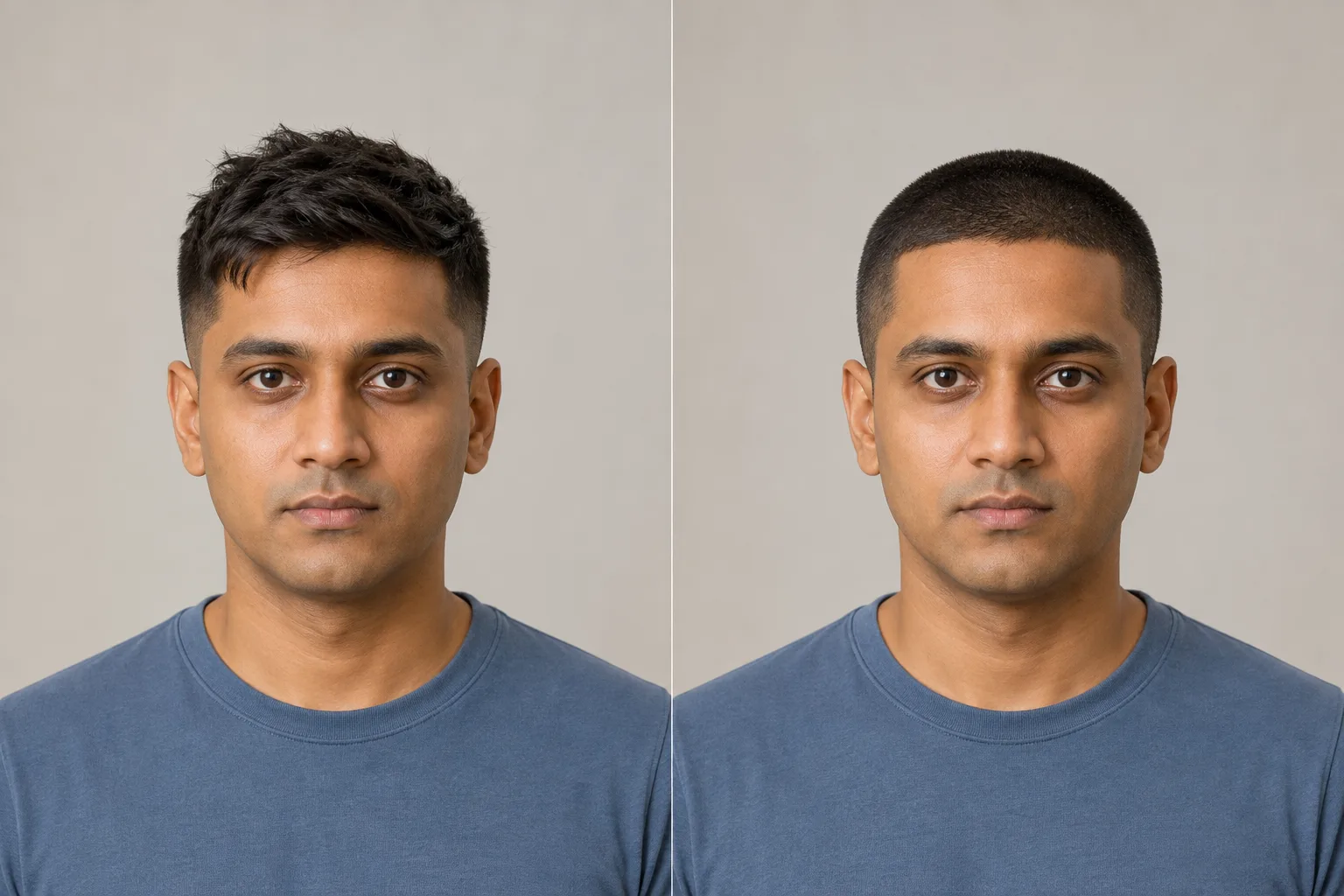
Textured short hair to a buzz cut
- What changed
- The textured top is clipped to an even, close length all over. The height above the forehead disappears, and the hairline and head shape become the main features of the look.
- Look at
- The hairline at the temples, how much forehead shows, and the shape of the crown. Compare it with a crew cut in the hairstyle AI if you want to keep a little length on top.
- Good to know
- A buzz cut takes almost no time day to day, but it grows out quickly. Keeping the same length means re-clipping often, at home or at a barber.
- Ask your stylist
- Which clipper length suits my head shape? Should the sides go shorter than the top?
An AI hairstyle preview can shift small facial details. Check the face first, then judge the hair.
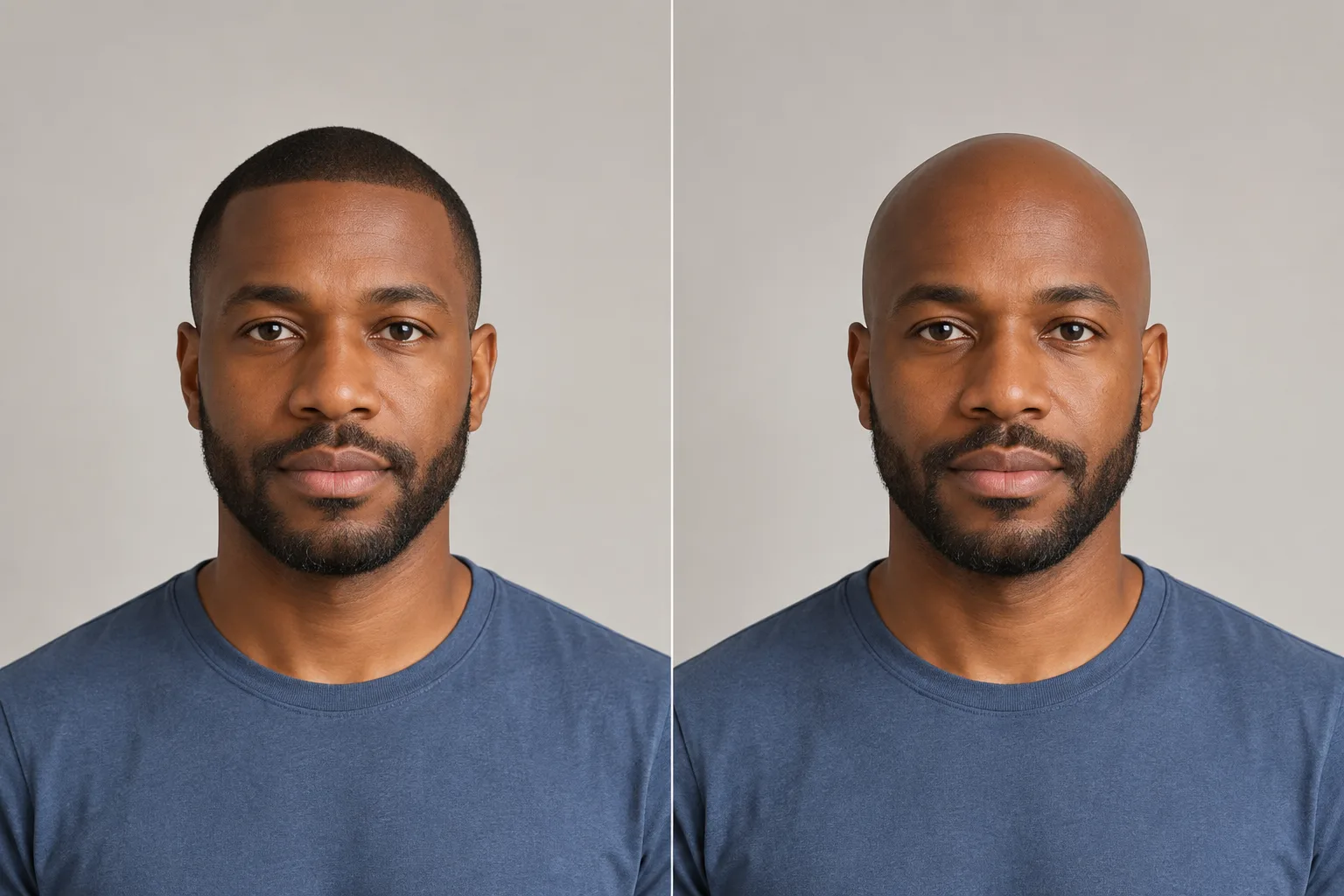
A buzz cut to a shaved head
- What changed
- The last of the short hair is removed for a shaved-head look. The beard stays, so the balance of the face shifts toward the jaw.
- Look at
- The overall outline only. An AI hairstyle preview cannot know the scalp detail or head shape hidden under hair, so treat the result as a rough idea rather than a reliable picture.
- Good to know
- A smooth shaved look means shaving every few days, and a bare scalp needs protecting from the sun.
- Ask your stylist
- Would a very short buzz give me most of this look with less upkeep?
An AI hairstyle preview can shift small facial details. Check the face first, then judge the hair.
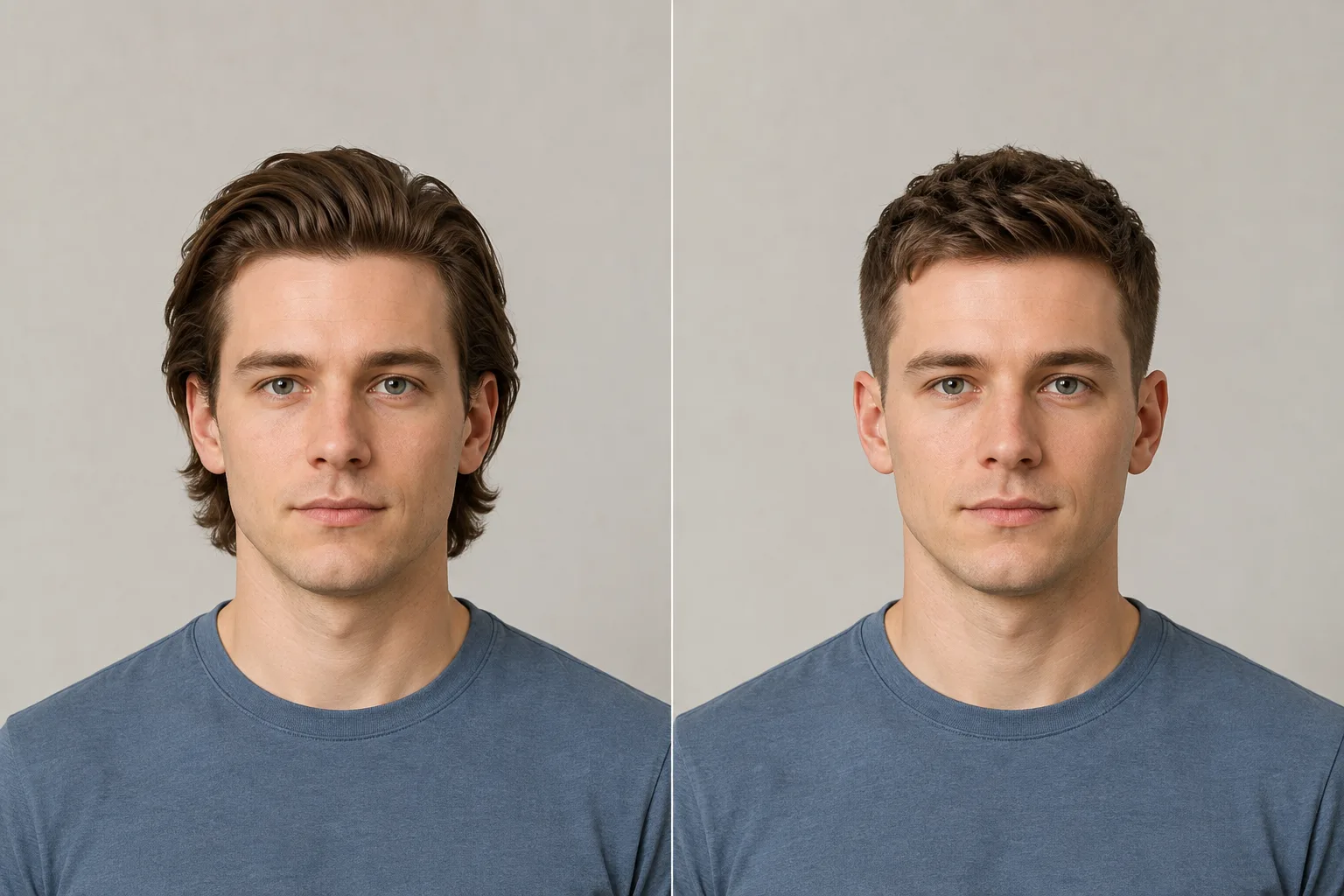
Swept-back medium hair to a short crop
- What changed
- Medium-length hair combed back from the face becomes a short textured crop with a light fringe. The ears are uncovered and the top sits lower.
- Look at
- How much of the ears and forehead each length leaves open, and the height on top. The longer style frames the face; the crop moves the focus to the eyes and jaw.
- Good to know
- The swept-back style needs length and usually some product to hold. The crop is faster to style but needs more frequent trims to keep its shape.
- Ask your stylist
- How much styling would each length need on a normal morning? Which one suits the way my hair grows at the crown?
Loading hairstyle details…