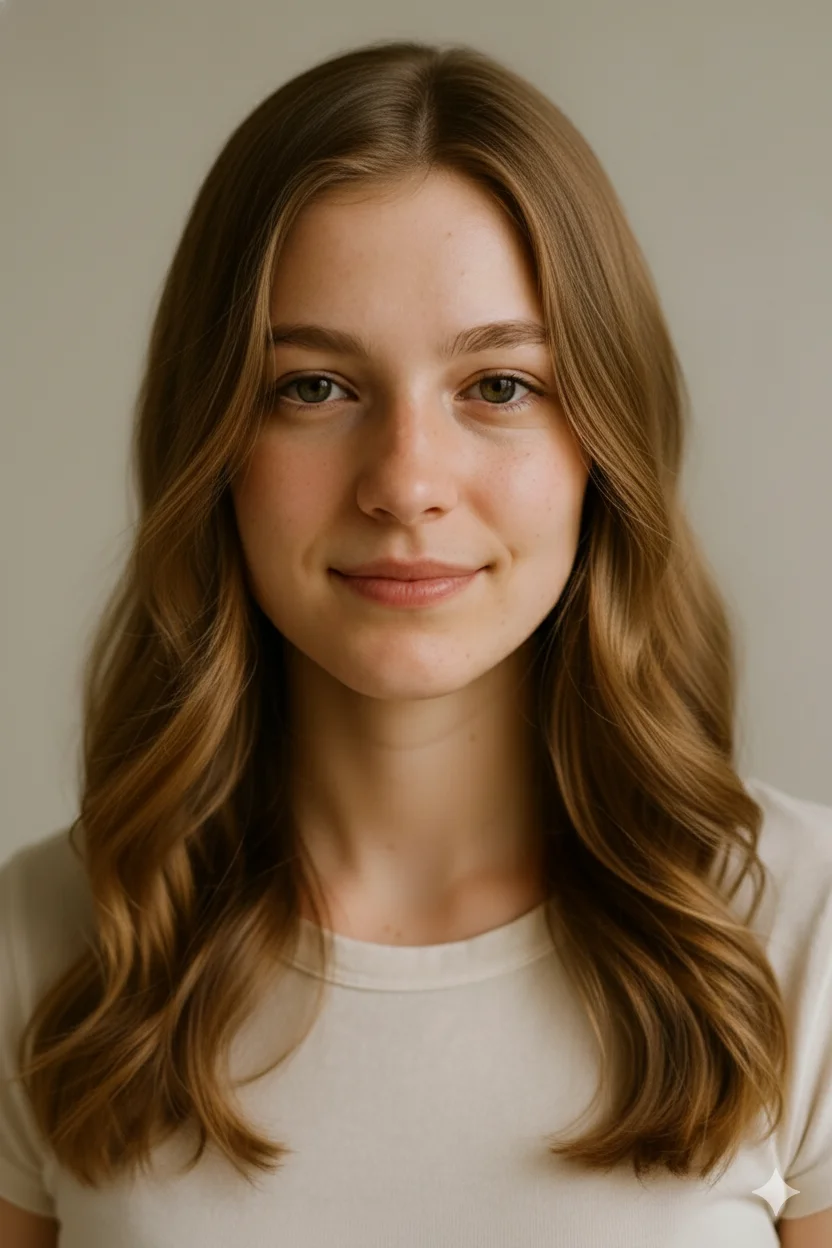
How to Try On Hairstyles With Your Photo
Choose a useful source photo and compare results step by step.
·AI-Powered Hairstyle Changer
Explore a new haircut before visiting the salon. Upload your photo to preview short hair, bangs, curls, and other hairstyles for women and men.
Account required. New accounts receive 2 free credits. Standard hairstyle generations cost 1 credit each.

Start with your own photo, choose a look, and create a hairstyle preview in the web studio.
Create an account or sign in, then upload a clear front-facing portrait with even lighting.
Browse the current women's and men's hairstyle library and choose the look you want to preview.
Create your preview, compare another look with the same photo, and download the results you want to keep. Processing time varies.
Compare Different Looks
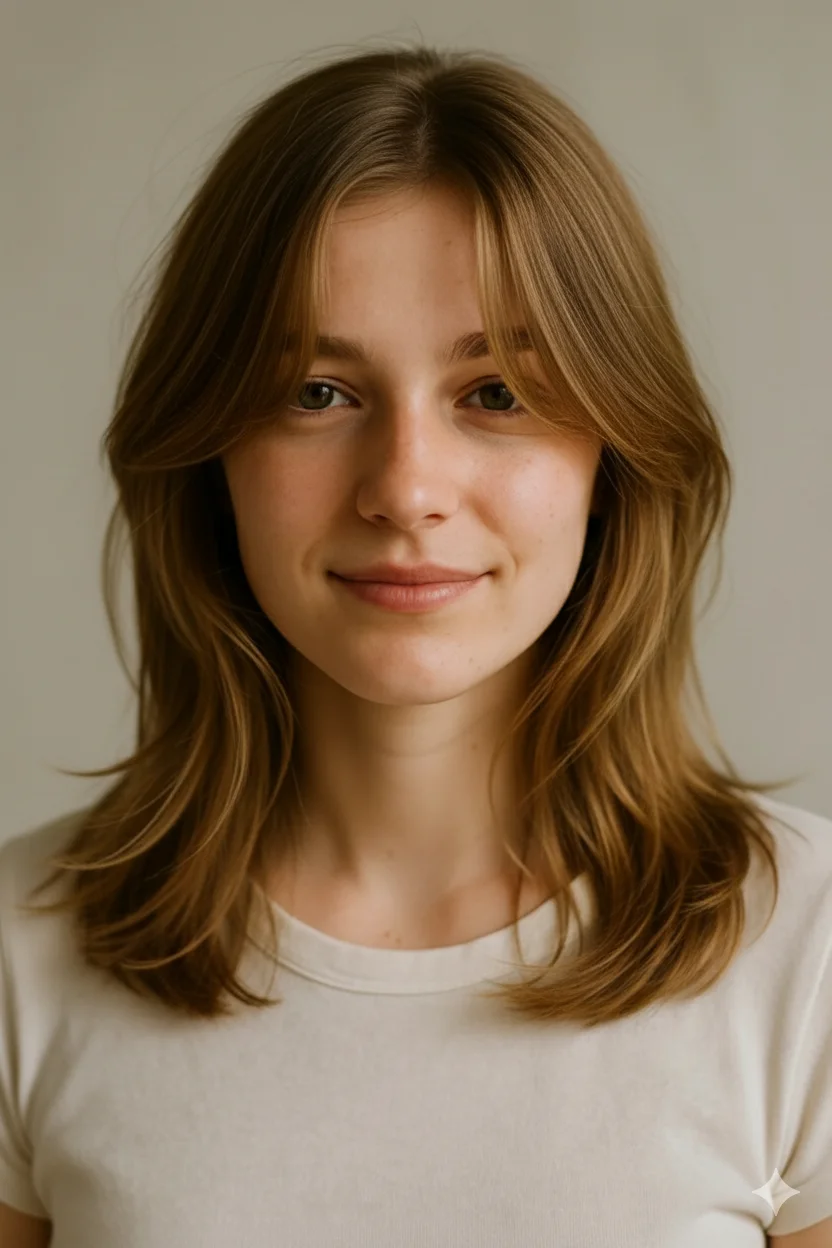
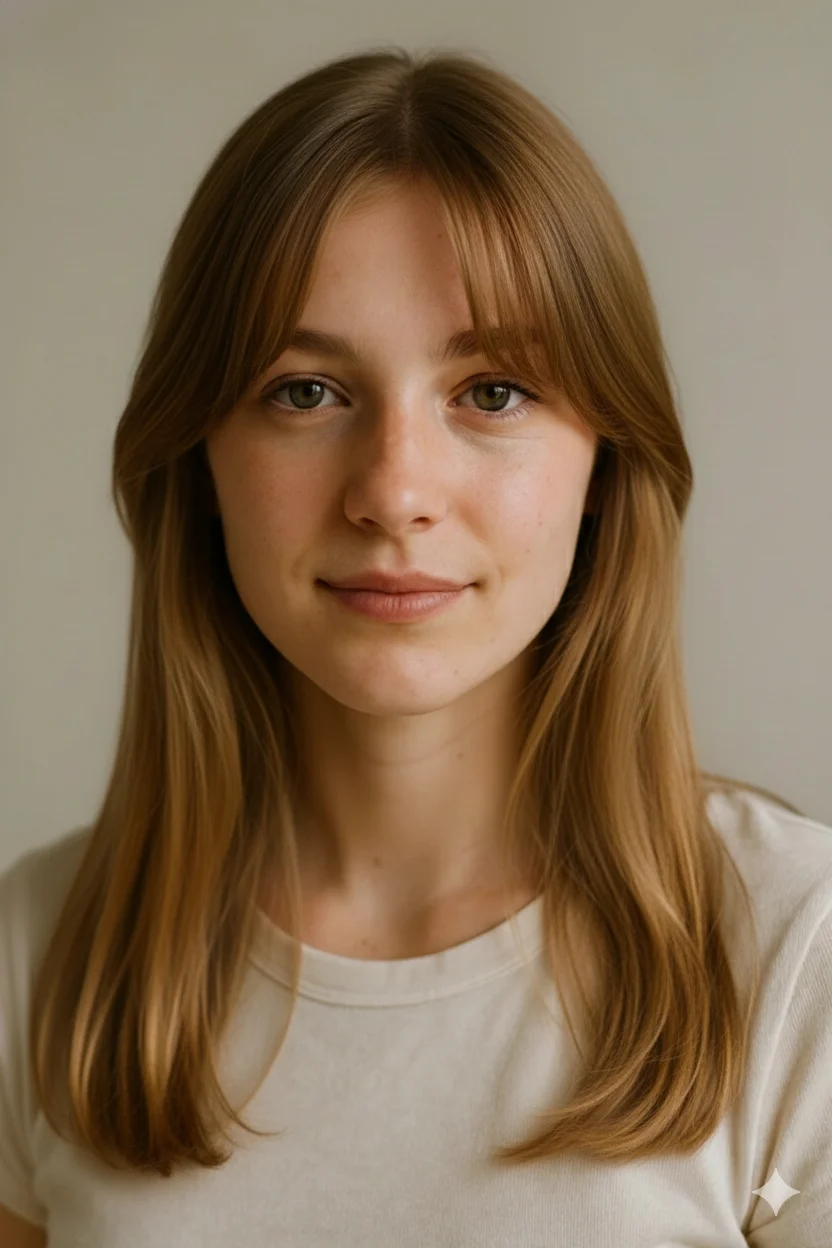
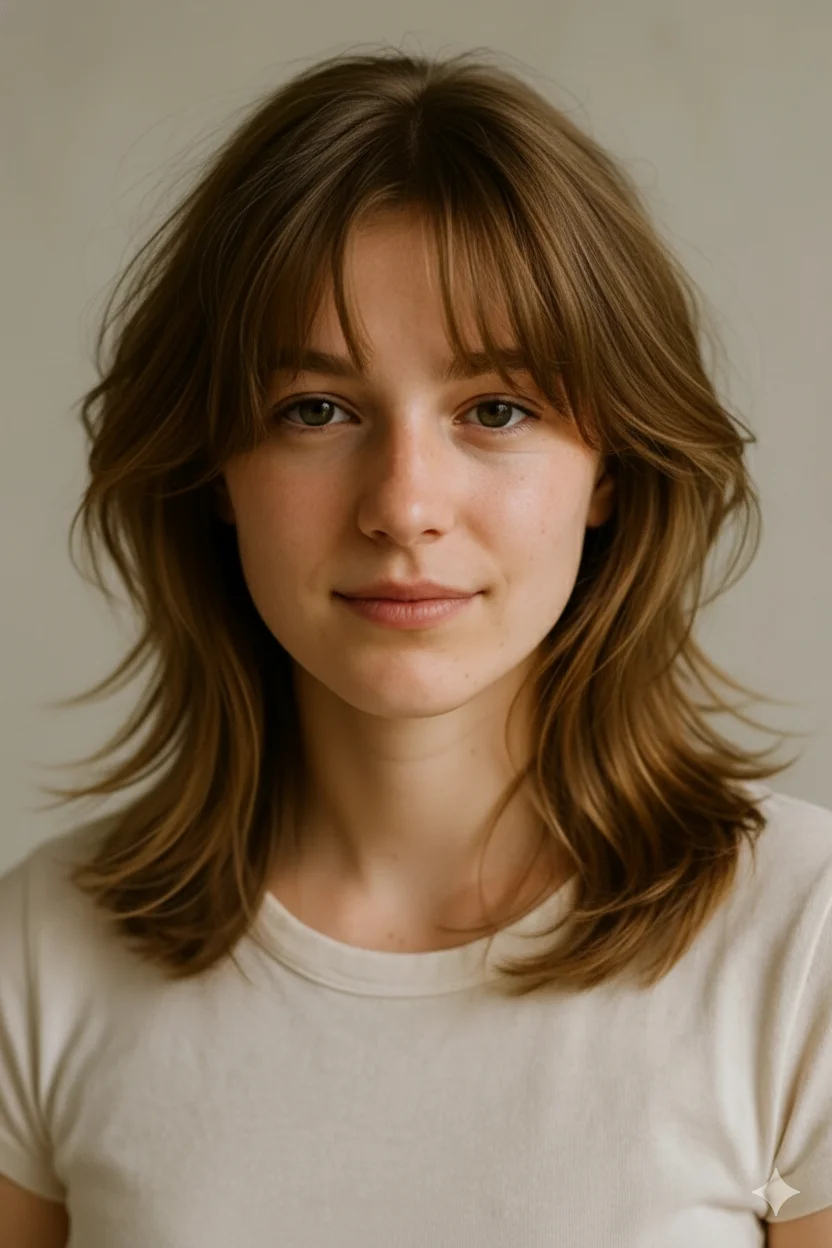
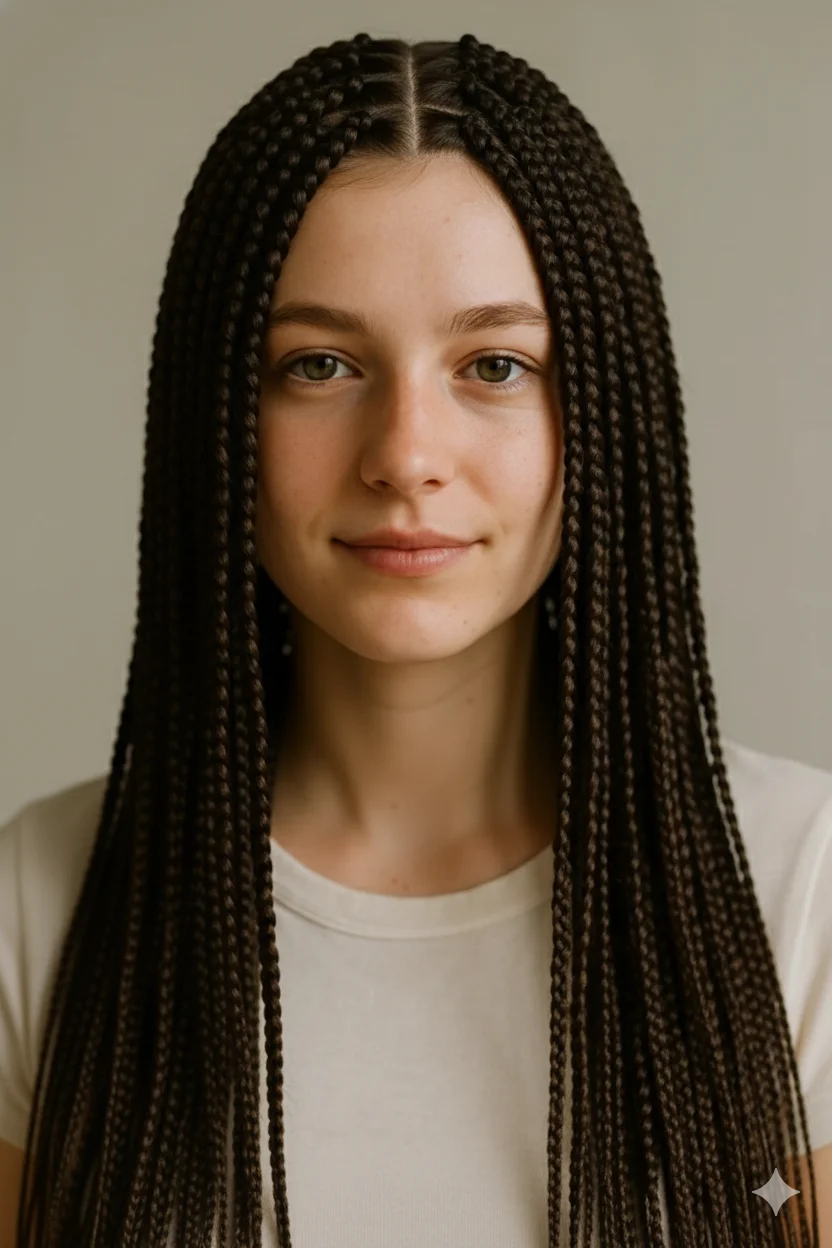
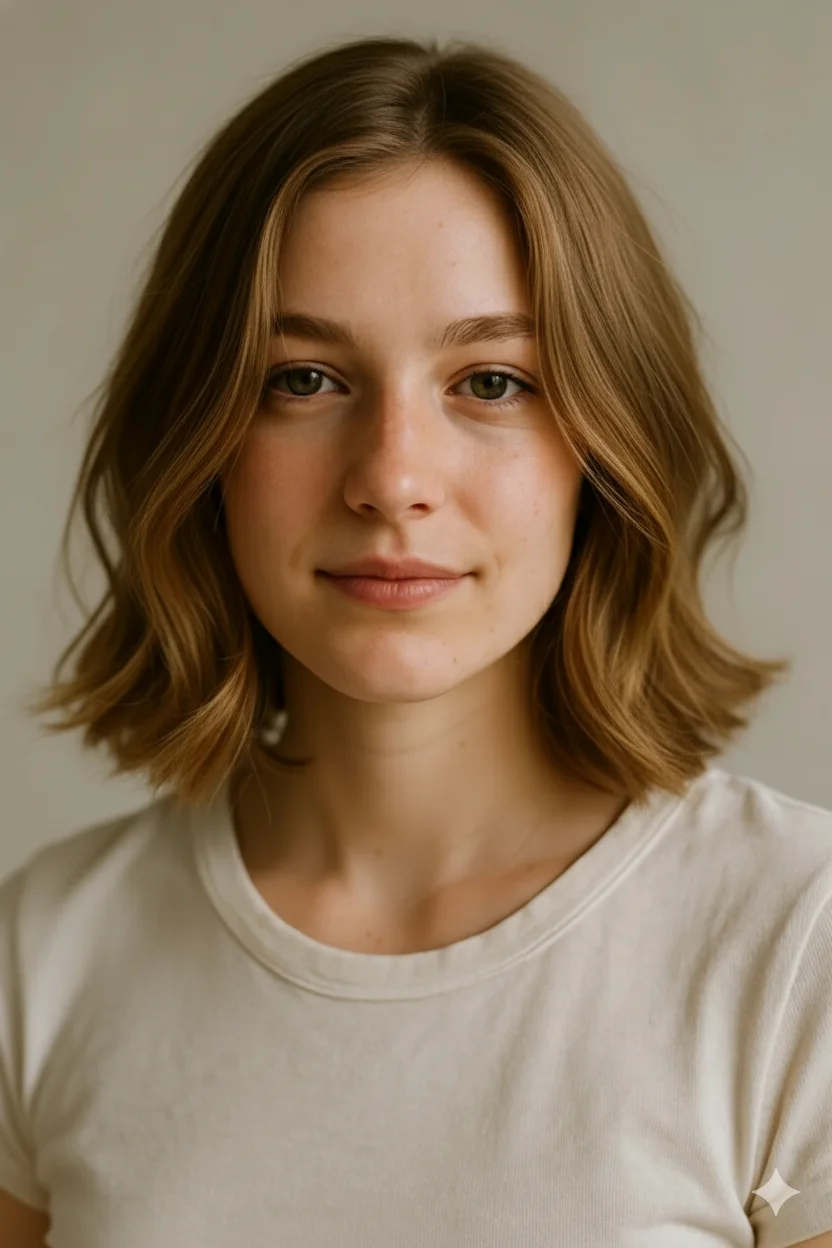
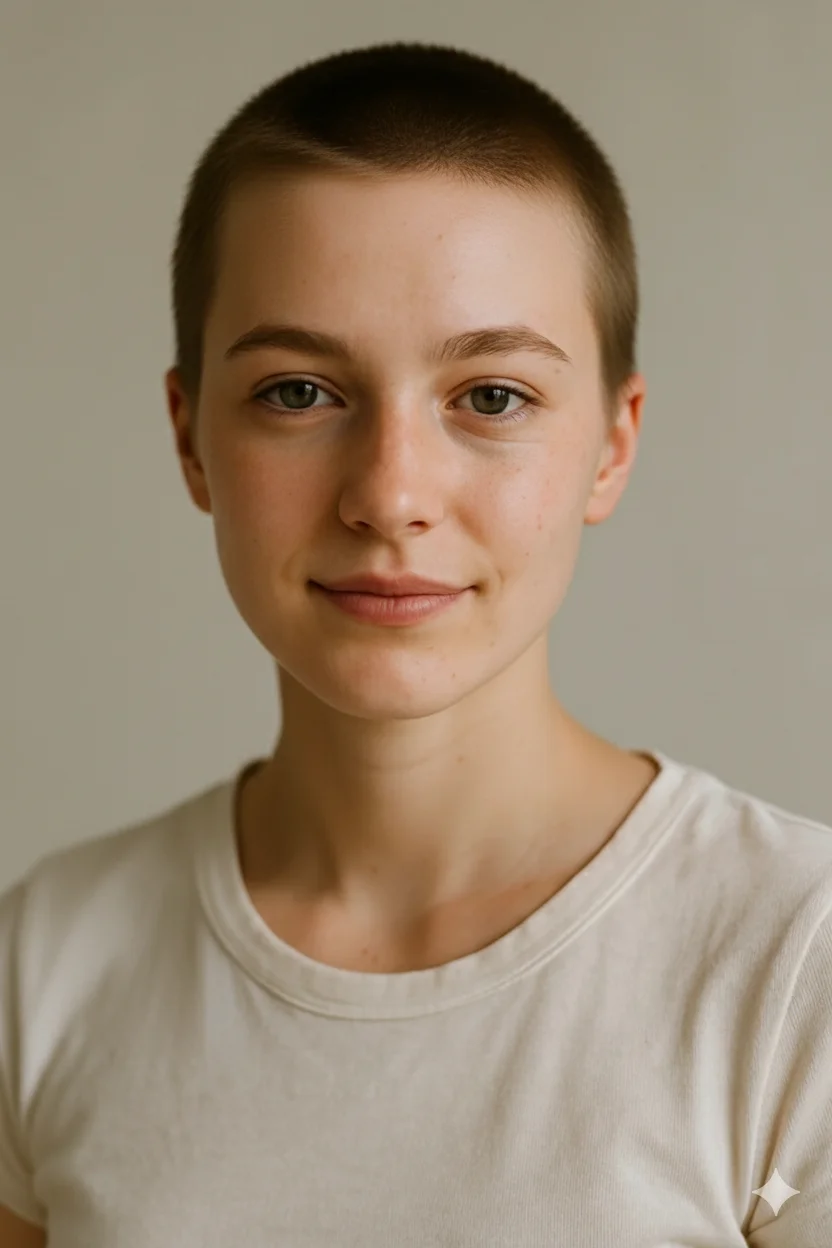
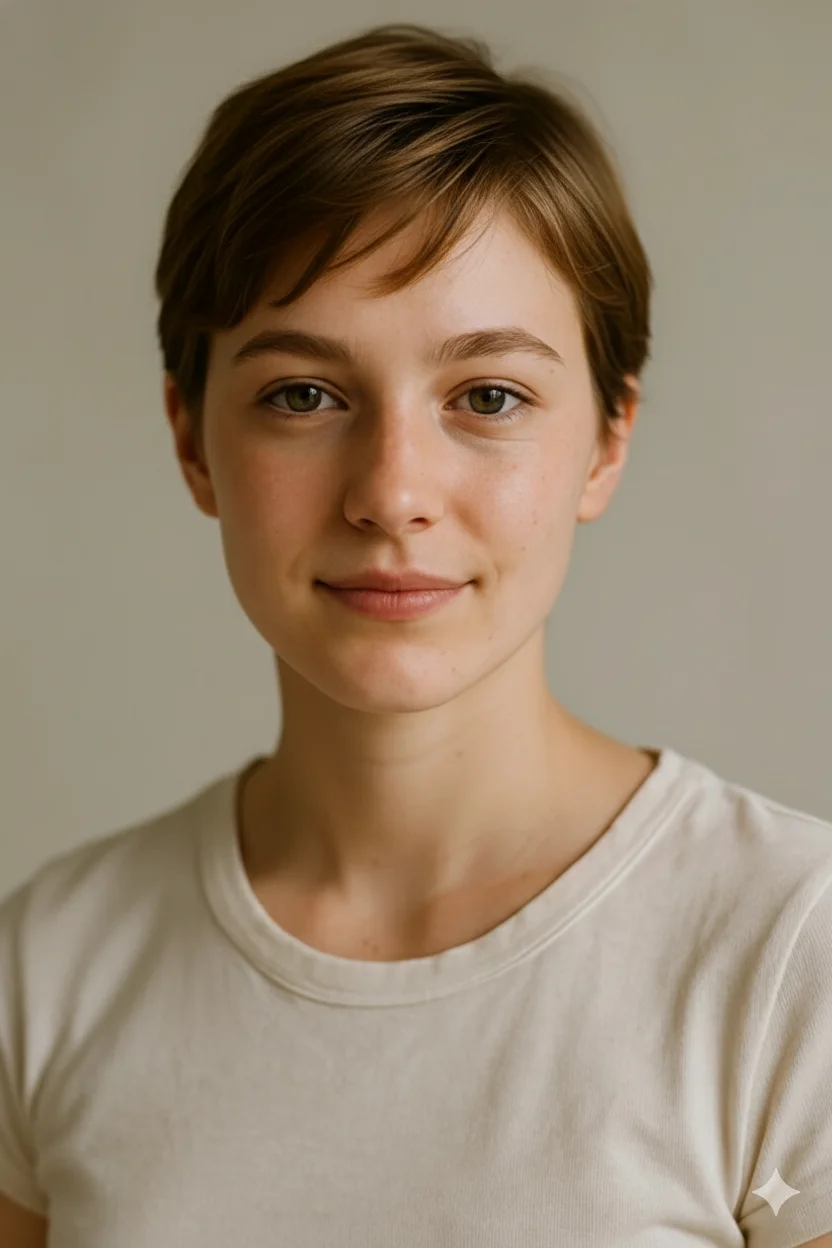
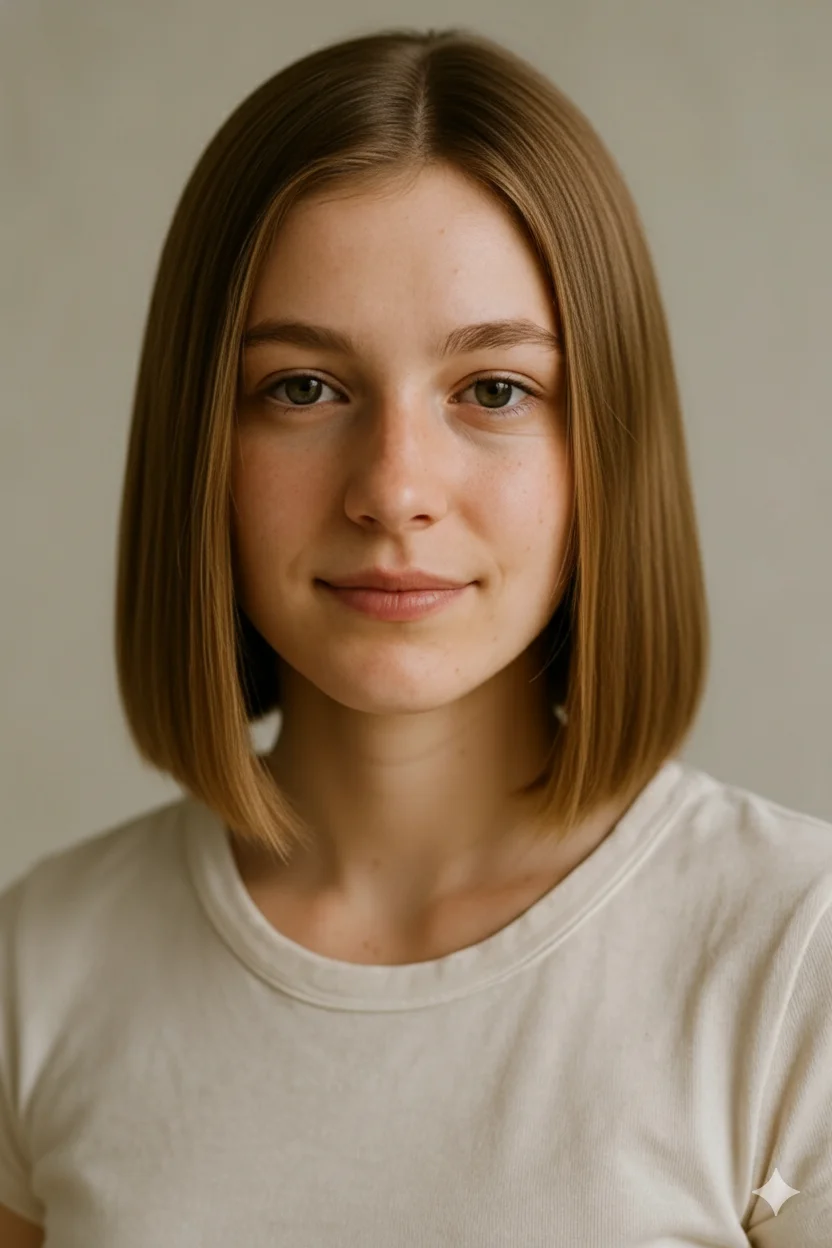
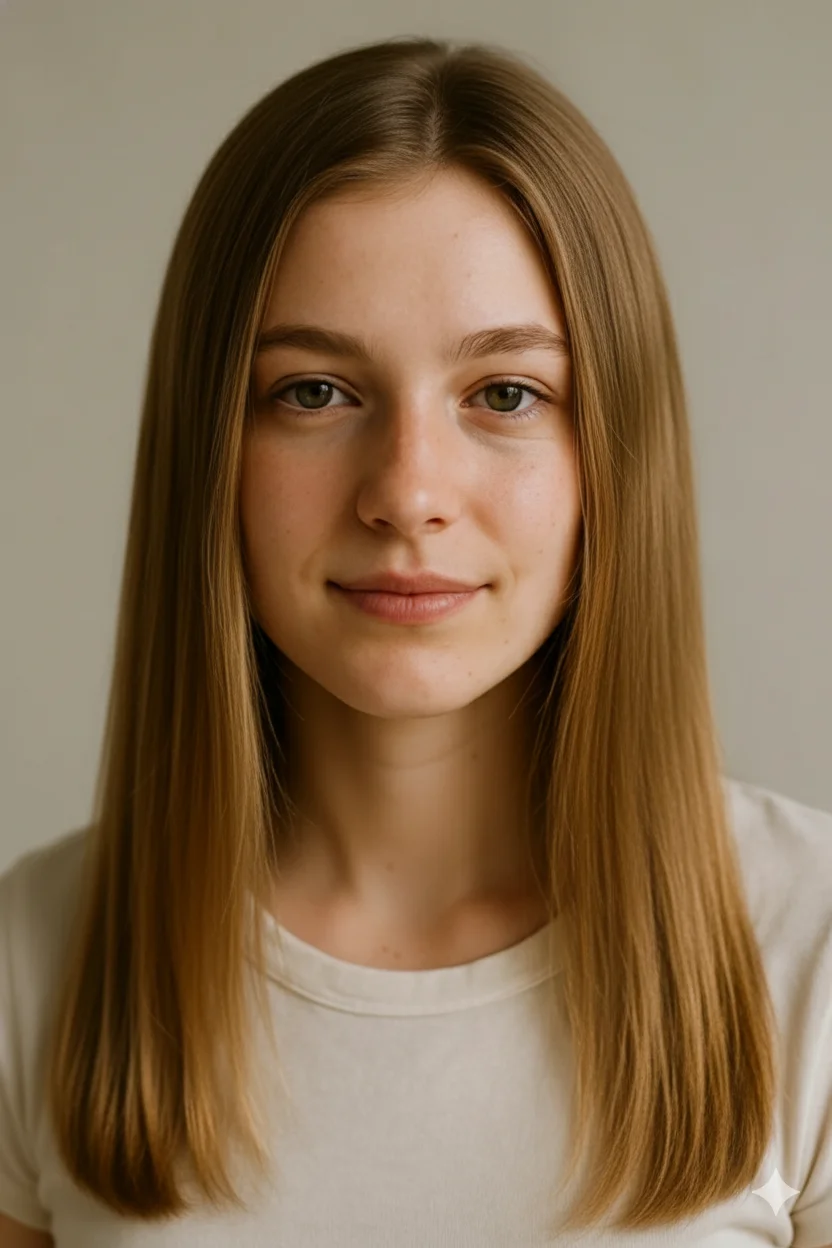
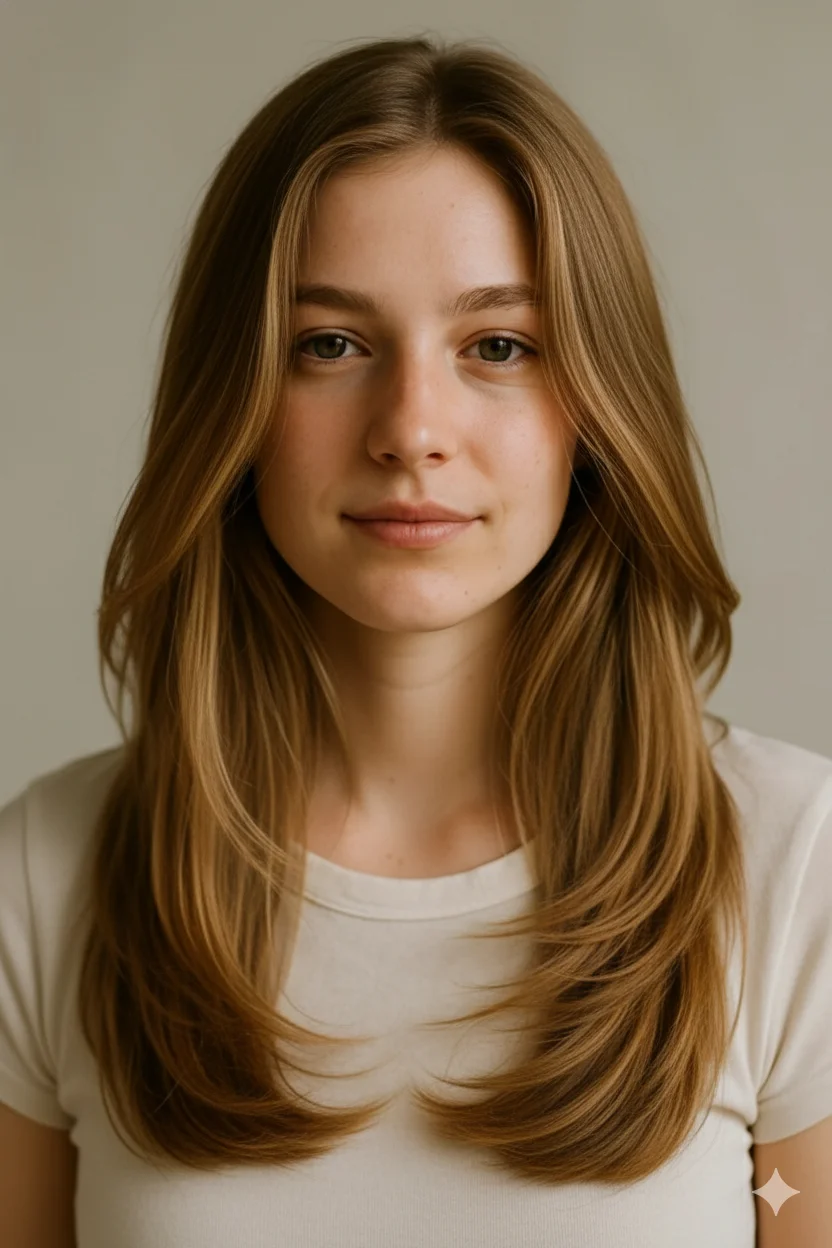
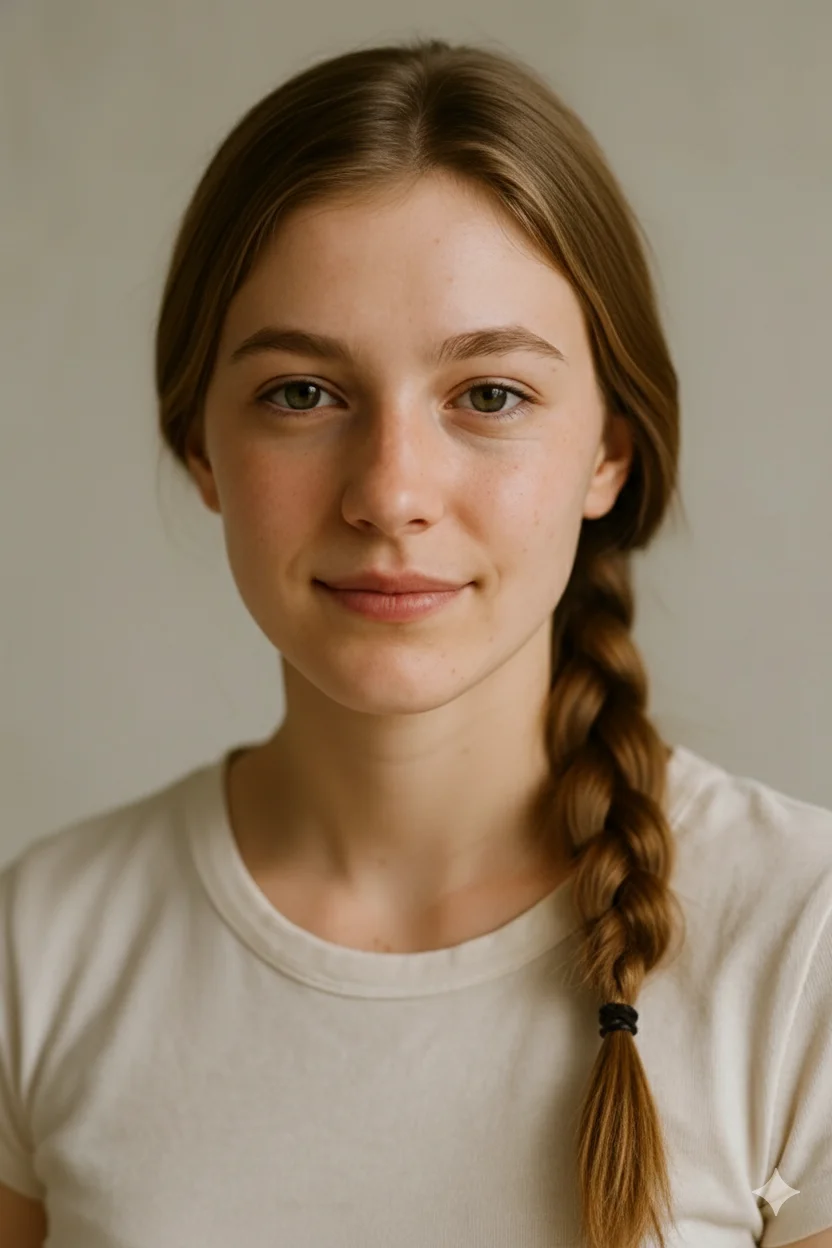
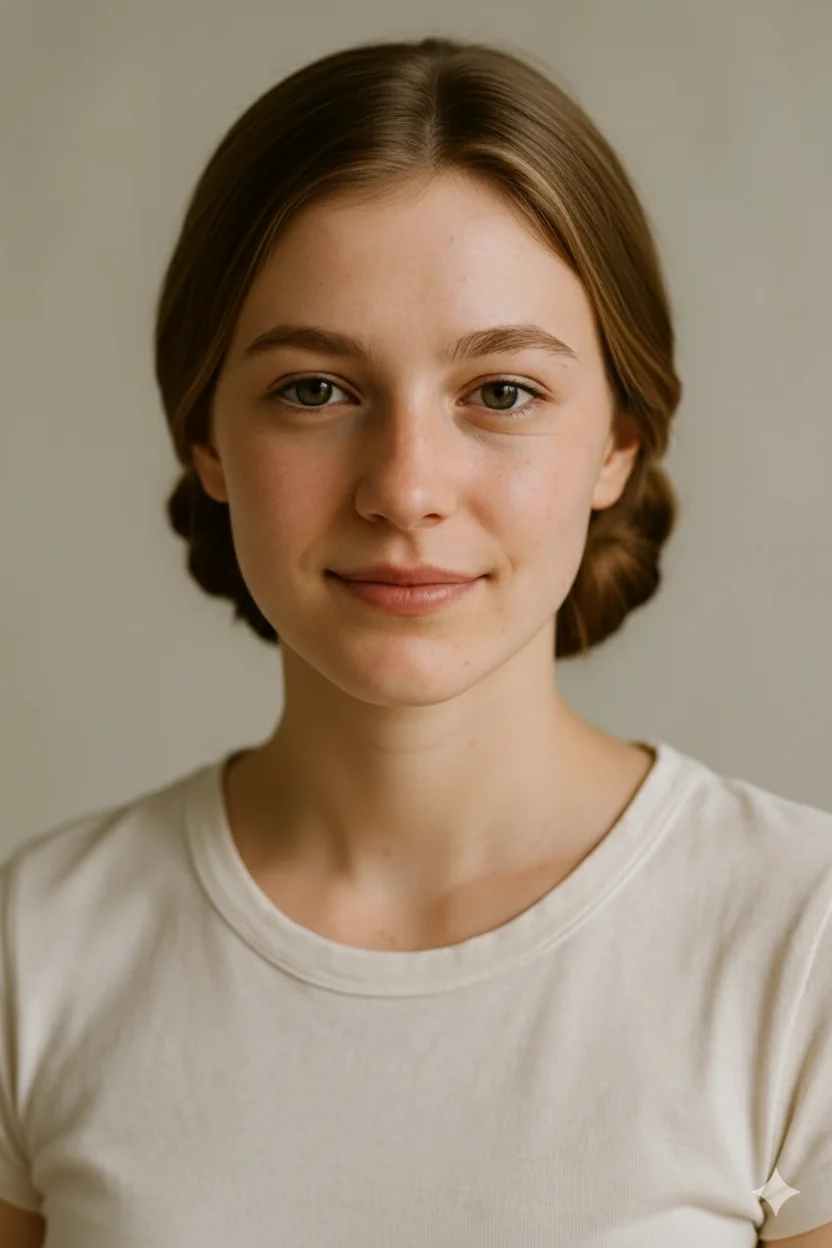
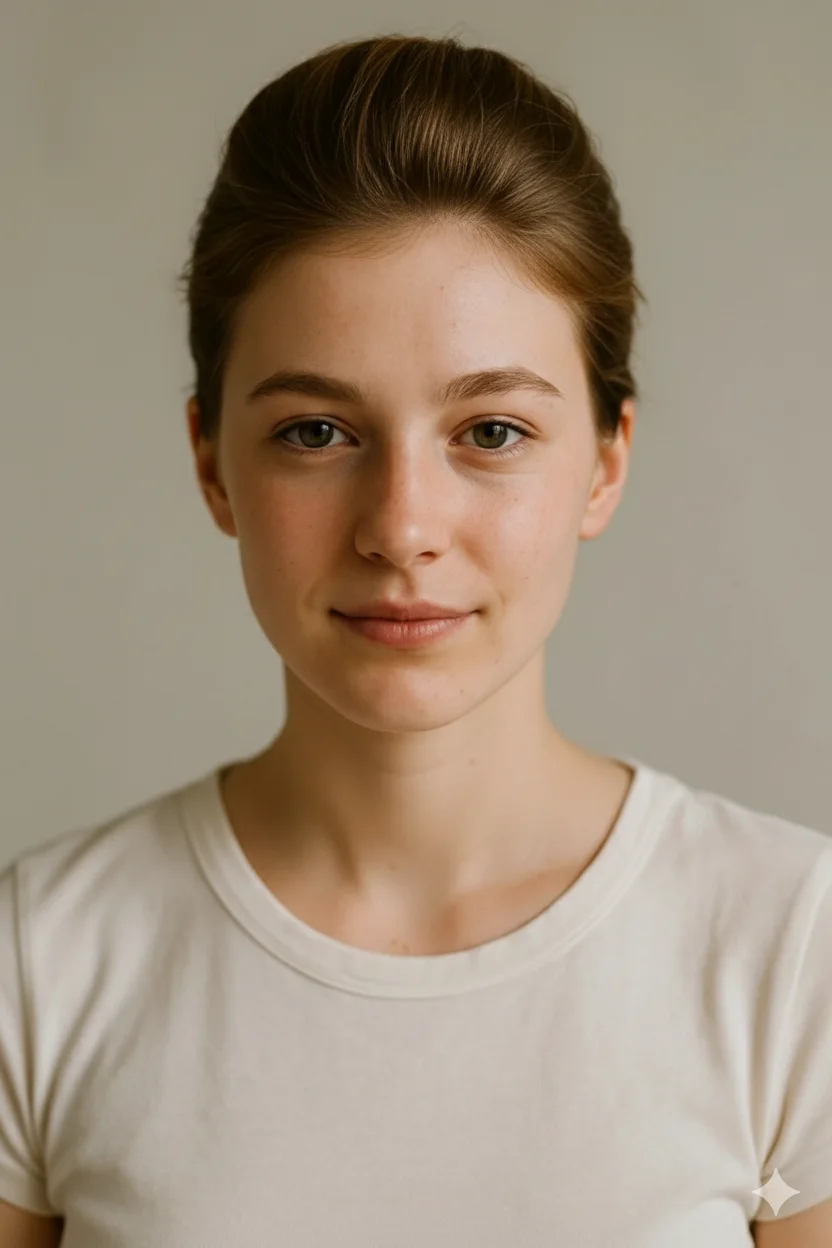
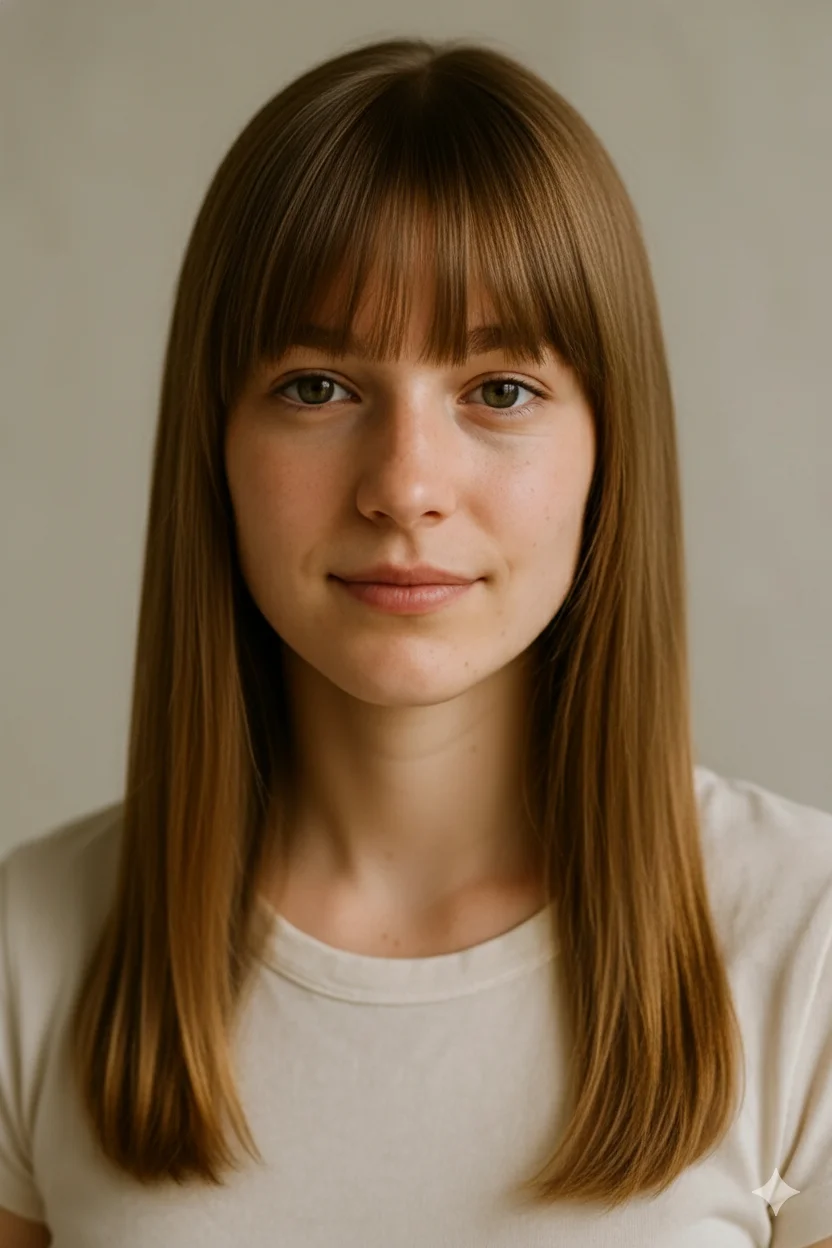
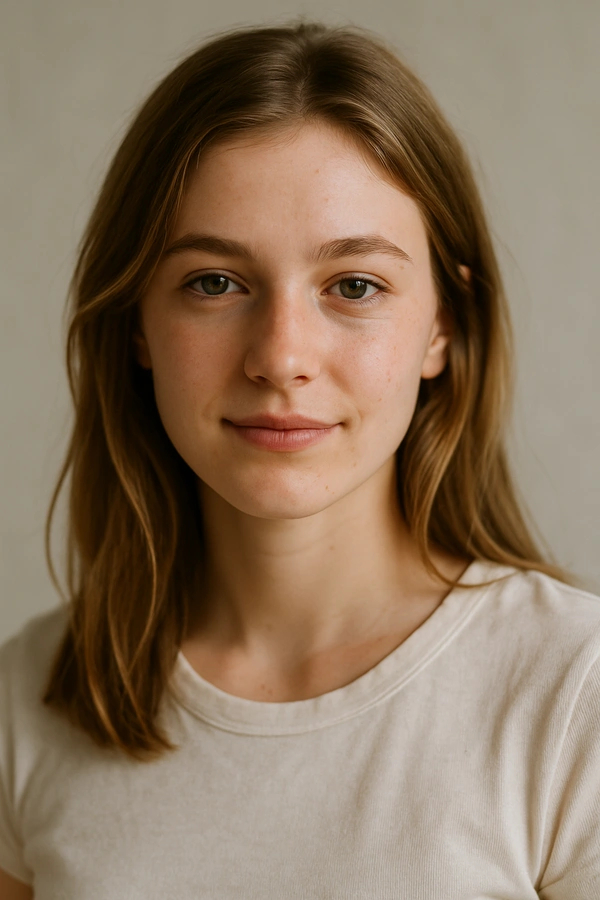
Explore side-by-side hairstyle comparisons, then use your own photo to preview a look. Compare length, fringe, and texture separately to see which change matters to you.

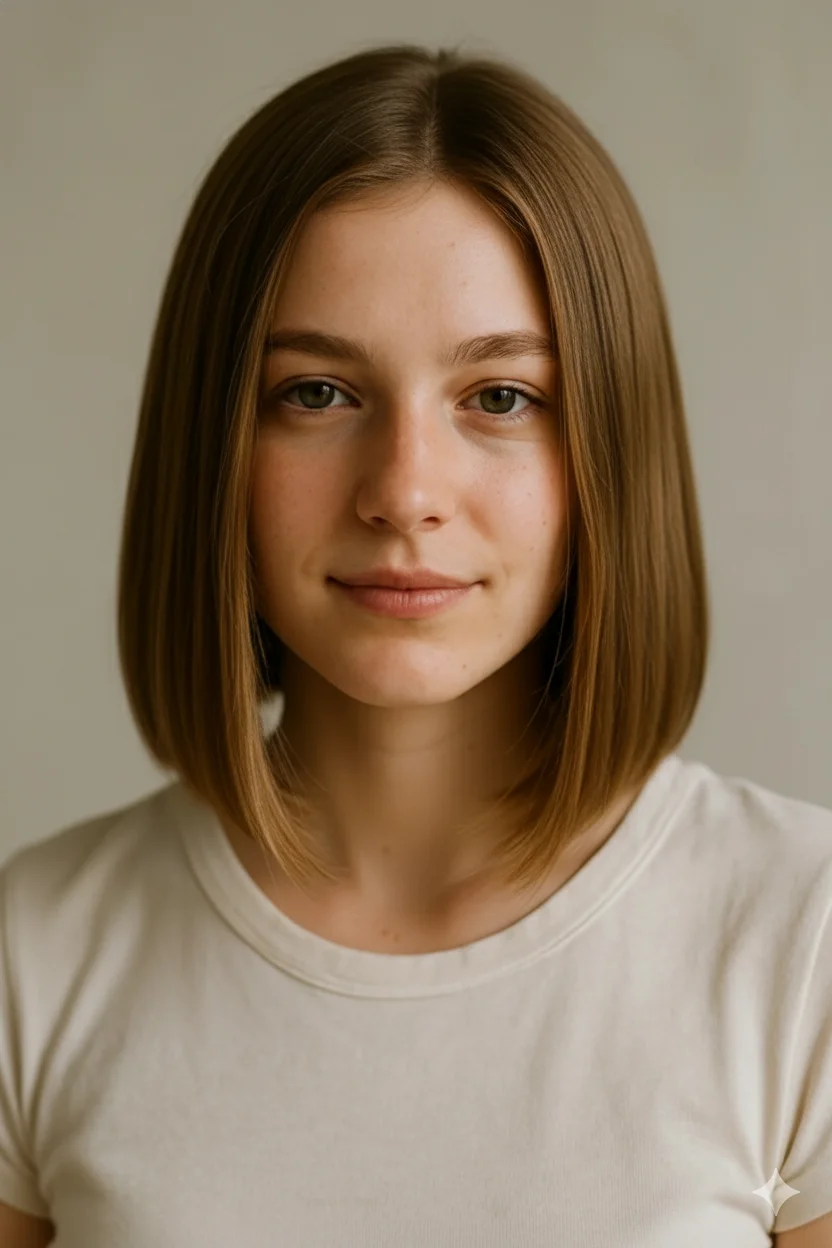
Compare where the ends sit against the jaw and shoulders. A shorter outline can look very different even when the parting and color stay similar.
Explore this look
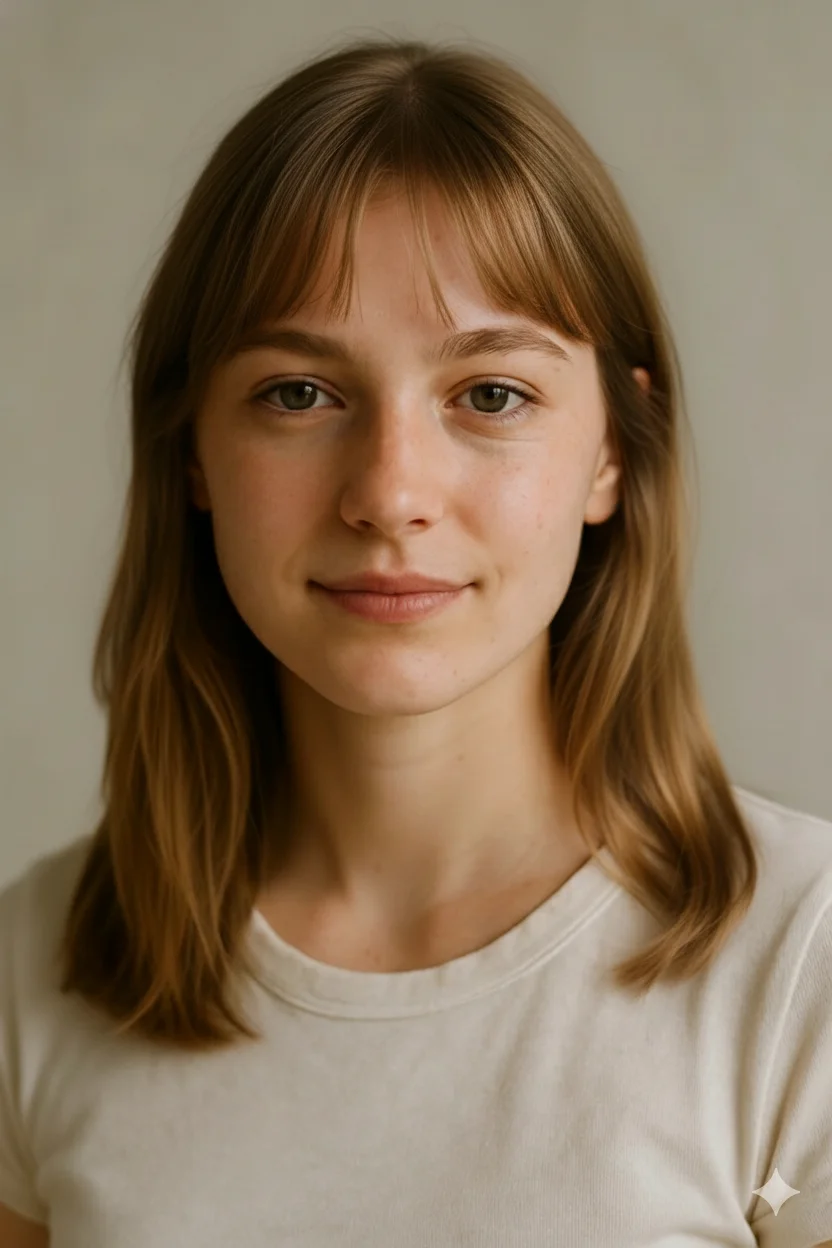
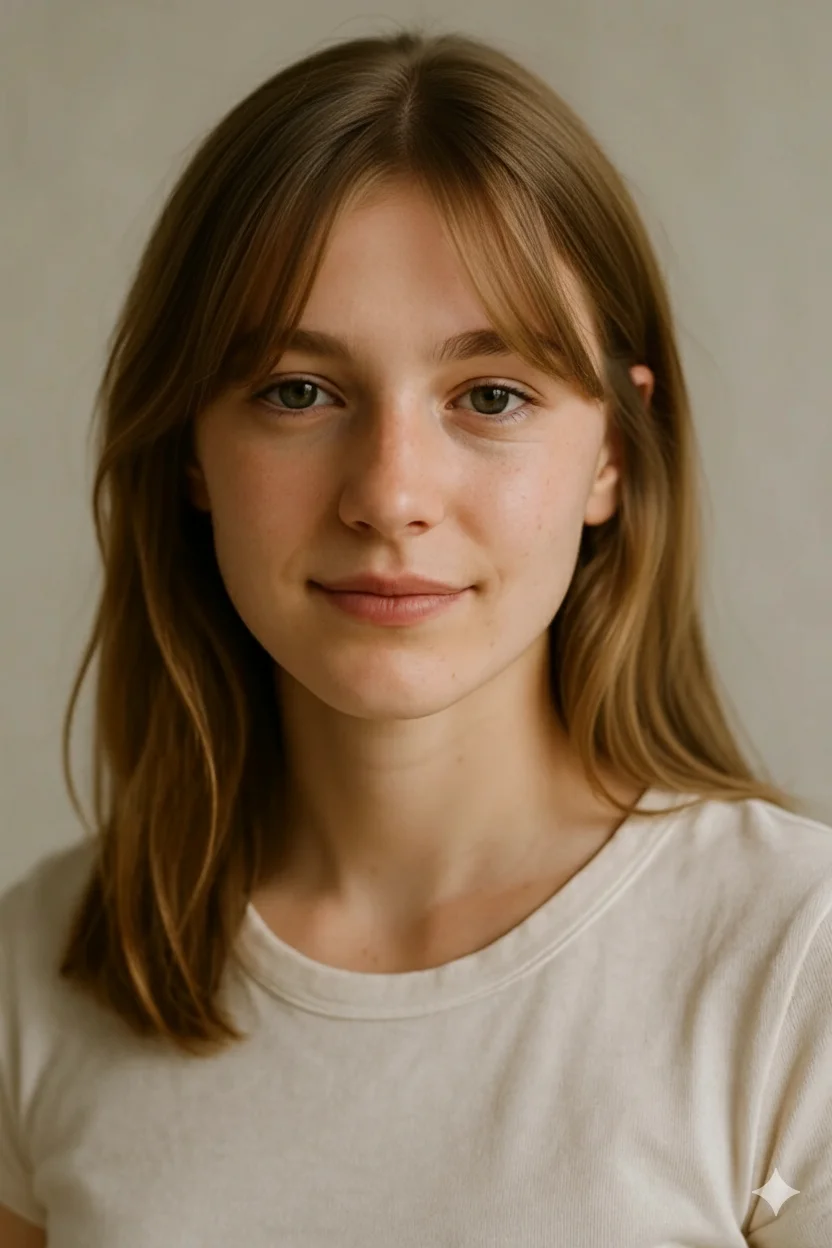
Look at the change around the forehead and eyes. Keep the rest of the hairstyle similar when deciding whether a fringe is the change you want.
Explore this look
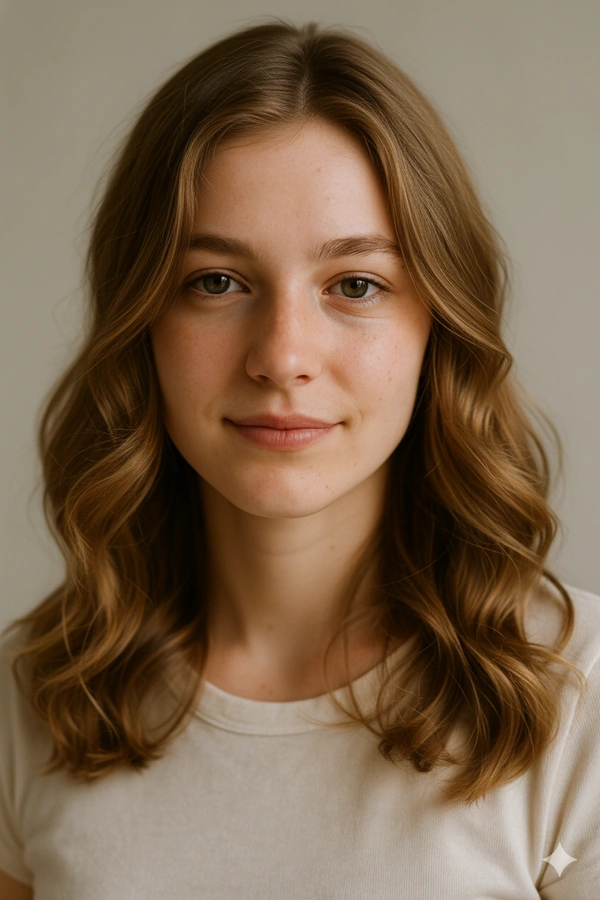
Compare the outline and volume as well as the texture. A curl preview shows a visual direction; a real perm also depends on your hair condition and styling routine.
Explore this look
A closely cropped style reveals more of the forehead and sides. Use the comparison to discuss your preferred length with a barber, rather than treating it as a clipper specification.
Explore this look
Compare a hair-covered outline with a shaved look. Hair removal previews cannot reliably reveal the exact shape of a head hidden in the source photo.
Explore this look
Compare swept-back length with a shorter textured crop. Notice the change above the ears and across the forehead, then consider the styling routine you would prefer.
Explore this lookA hairstyle preview is a visual starting point. Your hair texture, density, growth pattern, and styling routine will affect a real haircut.
Style Inspiration
Explore named styles from the library, from curtain bangs and bobs to crops and fades. Choose a reference you want to compare on your own photo.


·Style Gallery
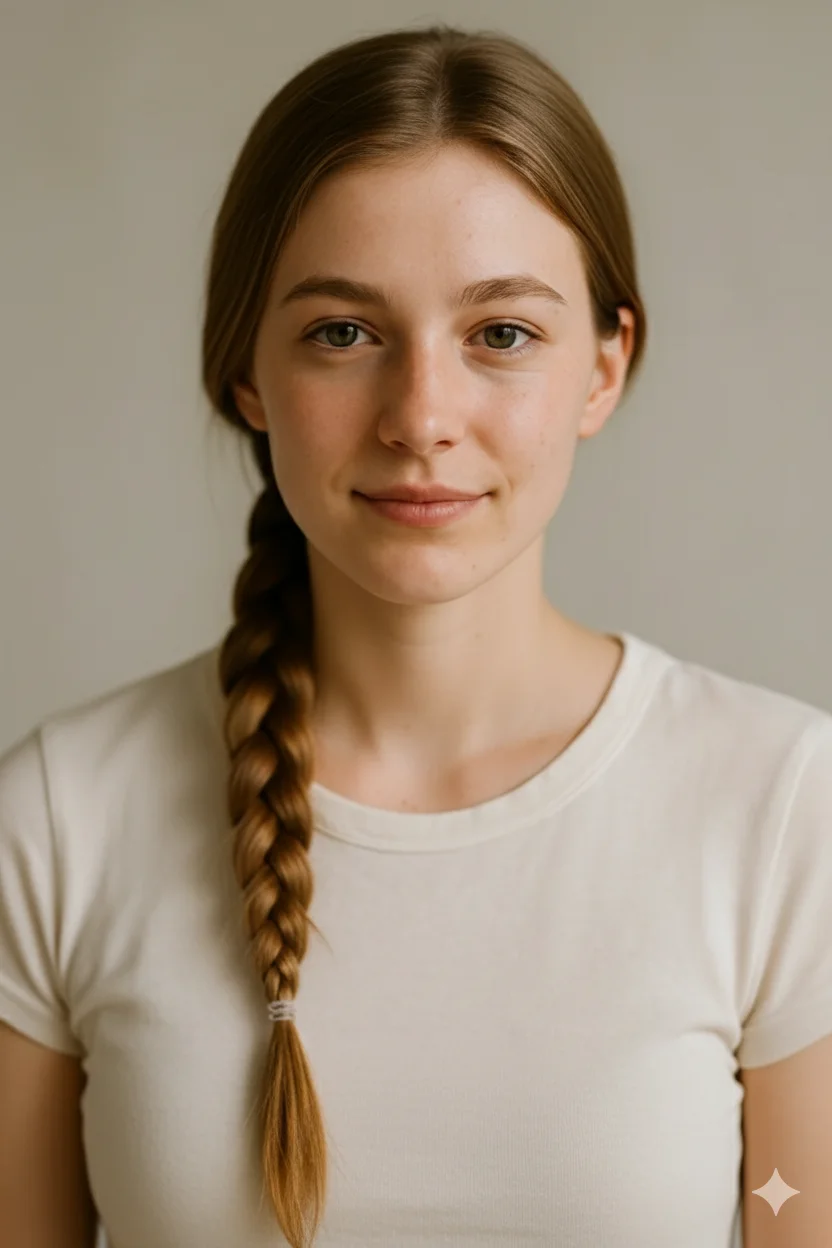
Browse short, medium, and long hairstyles, along with braids, updos, bangs, and textured looks. Switch between women’s and men’s styles to explore the library.


Try a specific look
Weighing one specific change? Jump straight to a focused preview and see it on your own photo before you commit.


Compare a fringe with your current hairstyle before deciding to cut.

Explore a closely cropped haircut and compare the outline around your face.

Compare your current hair with a shaved look.

Compare shorter lengths, from bobs to pixie cuts.

Explore curls and compare changes in texture and volume.
·Photo and Preview Tips
·Start With a Clear Photo
Use an evenly lit, front-facing portrait without a hat or heavy filters. Leave space around your head so the preview has room for the selected hairstyle.

·Compare One Change
When choosing a haircut, compare the shape first. You can explore hair color separately in the studio; lighting and screens can make the preview look different from real dye.

·Texture and Routine
A reference hairstyle may have a different texture from yours. The library includes straight, wavy, curly, braided, loc, and twist references; the preview does not measure how your own hair will behave.


·Take It to Your Stylist
Use the preview to point out a length, fringe, or silhouette you like. A stylist can assess what is achievable with your current hair and explain the cutting and maintenance choices.

·Use Cases
Use a hairstyle simulator to explore a change, prepare a visual reference, or narrow down the looks you want to discuss.
Preview a visual direction before committing and use the result to discuss length, shape, and details with your stylist.
Bored with your current look? Browse the library and compare several visual directions on your own photo.
Planning for a wedding, prom, or gala? Preview several updos, braids, and formal-style directions before choosing one to discuss with a stylist.
Compare the visual effect of different wig-inspired styles and lengths before shopping; fit, material, and real-world color still require separate checks.
Keep the overall length and explore a fringe or different texture. Comparing one change at a time makes it easier to identify what you like.
Compare a short cut, buzz cut, or bald look before deciding what to discuss at your next appointment.
Explore practical comparisons and photo tips before trying a different haircut.
Choose a useful source photo and compare results step by step.
Compare length, styling needs, and the details to discuss at the salon.
Consider the fringe, your hairline, and the upkeep before cutting.
Compare a closely cropped haircut with a shaved look.
Separate a visual curl preference from what a real perm requires.
Everything you need to know about our AI hairstyle changer and virtual hair try-on.
An AI hairstyle changer is an online tool that uses artificial intelligence to generate a visual approximation of a selected hairstyle on your photo. The preview can help you explore a direction, but it cannot show exactly how a real cut, color, or style will turn out.
Yes. Sign in, upload a clear portrait, choose a hairstyle, and generate a preview. Use the same photo when comparing looks so differences in lighting or camera angle do not distract from the hair.
For the best AI hairstyle preview, upload a clear, front-facing photo with good lighting. Avoid sunglasses, hats, or heavy filters. The photo should show your full face and hairline. JPG, PNG, and WebP formats are supported, with a maximum file size of 10MB.
The hairstyle library includes short, medium, and long cuts, bangs, curls, braids, updos, and men’s styles. Browse the focused hairstyle pages to compare a specific change, then select an available style in the studio.
The library has separate women's and men's browsing tabs, and any result still depends on the uploaded photo and selected style. Use the tabs to compare the options currently available.
Yes. The studio includes hair-color transformations. Compare the haircut first, then explore color separately. Screens, lighting, source photos, and real dye results can differ.
Results are generated visual approximations, not measurements or guarantees. Quality varies with lighting, framing, hair visibility, the selected style, and model output. Use a preview to explore and communicate an idea; an actual cut, color, wig, or styling result can differ substantially.
You need an account to open the studio. New accounts receive 2 starter credits, and each standard hairstyle transformation uses 1 credit. Other actions can have different credit costs; check the displayed cost before generating. Additional credits are available through the pricing page.
The studio requires an account. Uploaded photos are sent to third-party AI providers to generate transformations and may be stored with your account while it remains active. Do not upload images you do not have permission to use. See the Privacy Policy for current processing, retention, and deletion details.
The library includes straight, wavy, curly, coily, braided, twisted, loc, and protective-style references. Generation quality is not guaranteed equally across every texture or photo, so compare the preview critically and retry with a clear source image when needed.
Yes. You can download a preview and use it as a visual conversation starter with a barber or stylist. Discuss which parts are feasible for your real hair texture, density, length, condition, and maintenance routine rather than treating the image as an exact specification.
The studio does not currently classify your face shape or generate automatic hairstyle recommendations. You can use the site's face-shape guides as general editorial starting points, then manually preview several styles and judge the result alongside hair texture, density, hairline, maintenance, and stylist advice.
Curious about shorter hair, a fringe, or a different texture? Start with your photo and explore a new look.
Try On HairstylesAccount required · 2 starter credits · 1 credit per standard preview · Results vary